Streamline Every Meeting. Unlock New Business Possibilities.
A centralized digital platform for coordinating investor–company meetings across a multi-day investment event.
- Investor app
- Company app
- Admin web dashboard
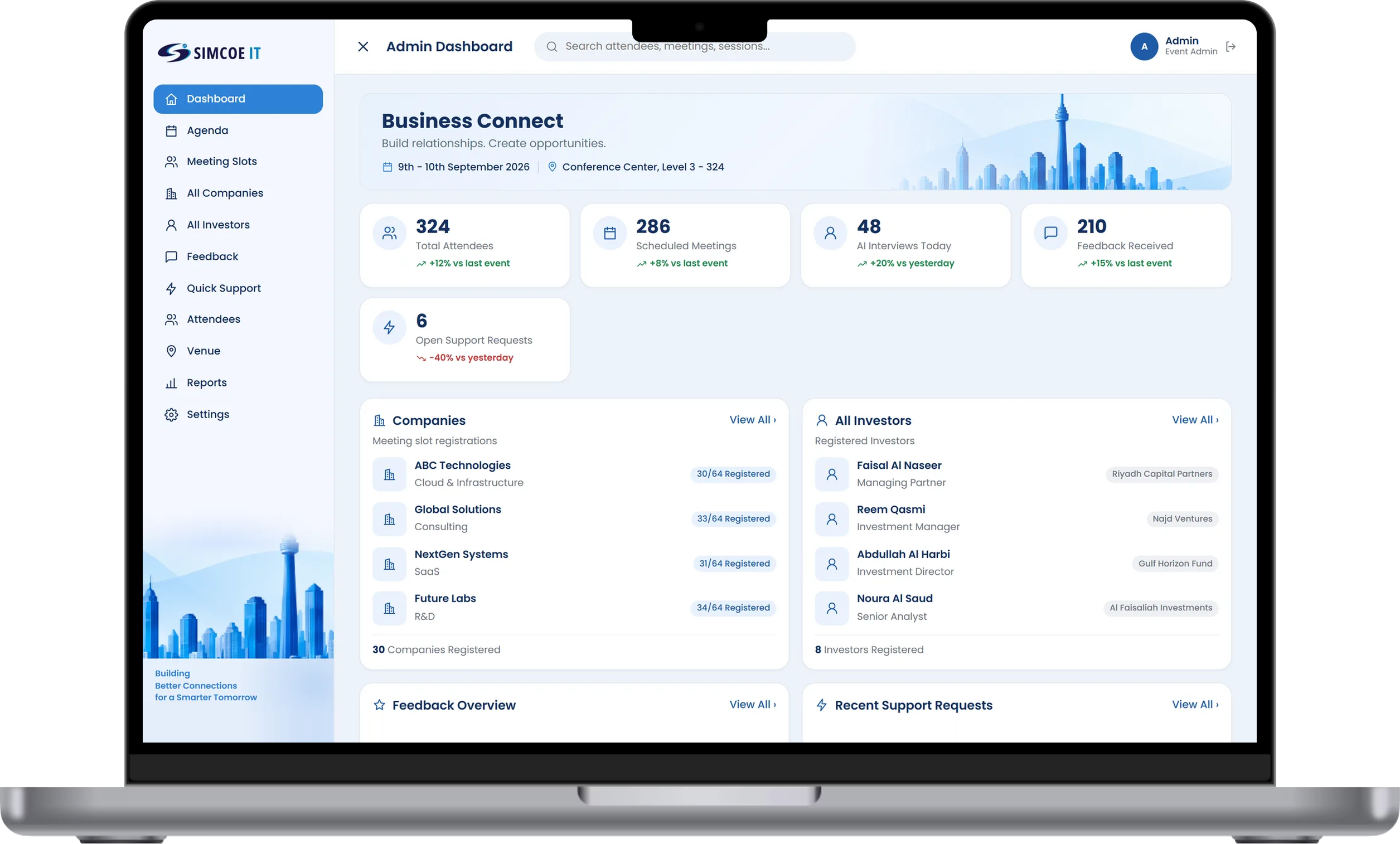
Organiser Dashboard
One workspace for organisers to schedule meetings, manage companies and attendees, and measure how the event is going.
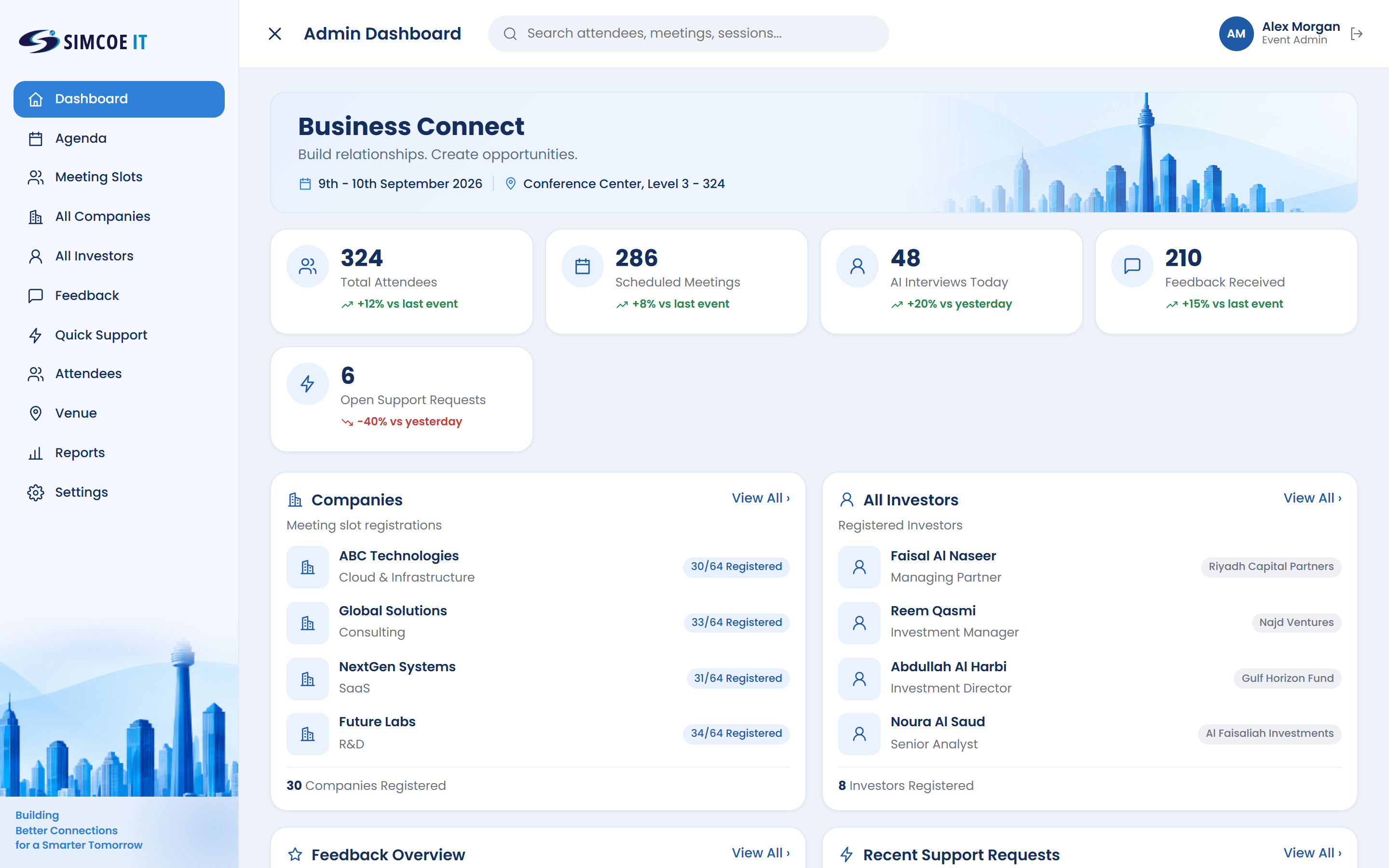
The whole event at a glance
Attendees, scheduled meetings, interviews and open support requests in one view, with companies and investors listed alongside.
- Live headline numbersAttendees, investors, companies and check-ins
- Companies and investorsRegistrations listed side by side
- Open support requestsSee what needs a reply today
- Feedback overviewThe latest ratings without leaving the dashboard
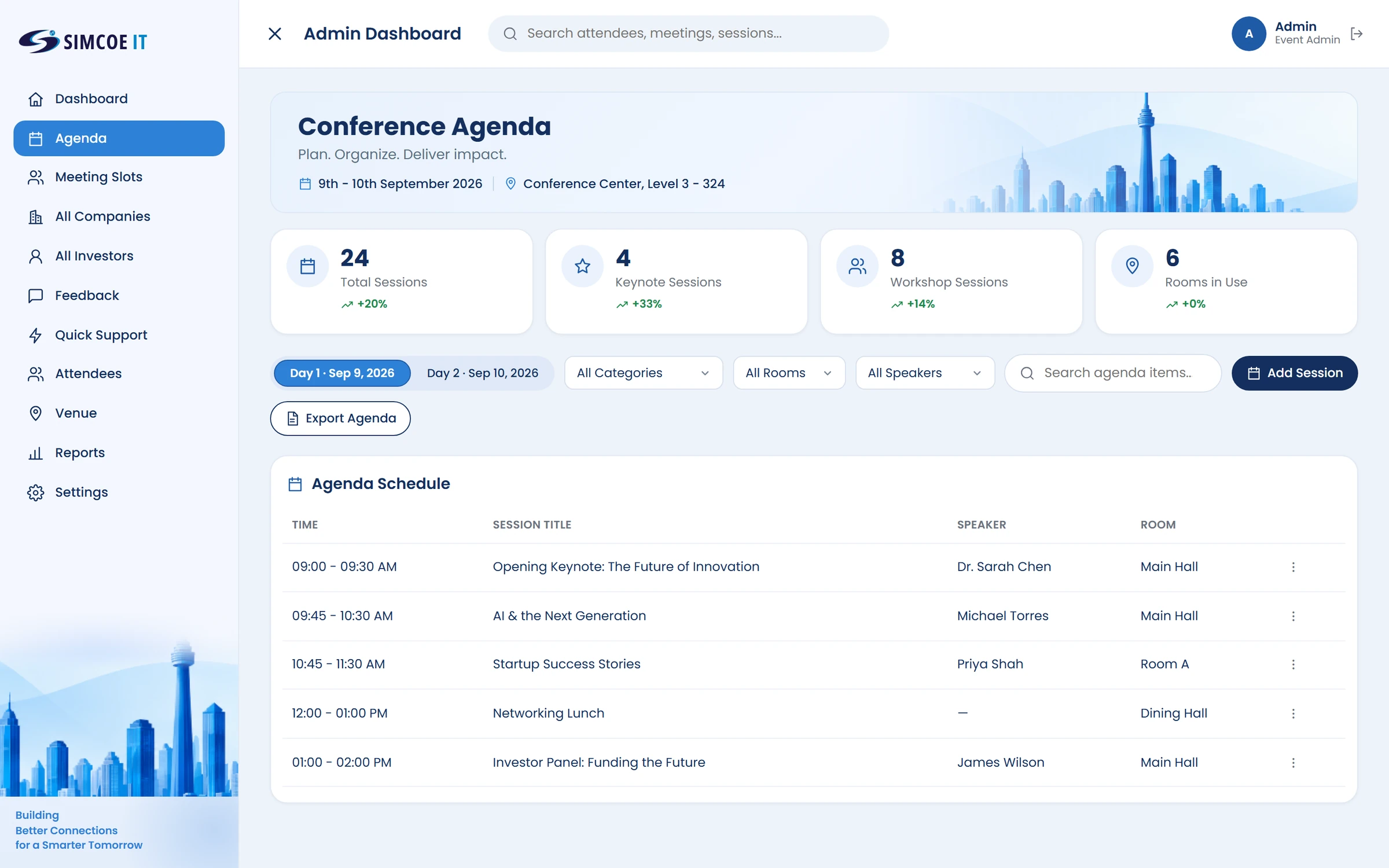
Plan the whole programme
Build the conference agenda day by day, with keynotes, workshops, speakers and rooms in one schedule.
- Agenda by dayTime, session, speaker and room
- Keynotes and workshopsSession counts at a glance
- Filter the scheduleBy category, room or speaker
- Add or exportNew sessions in a click, export the agenda
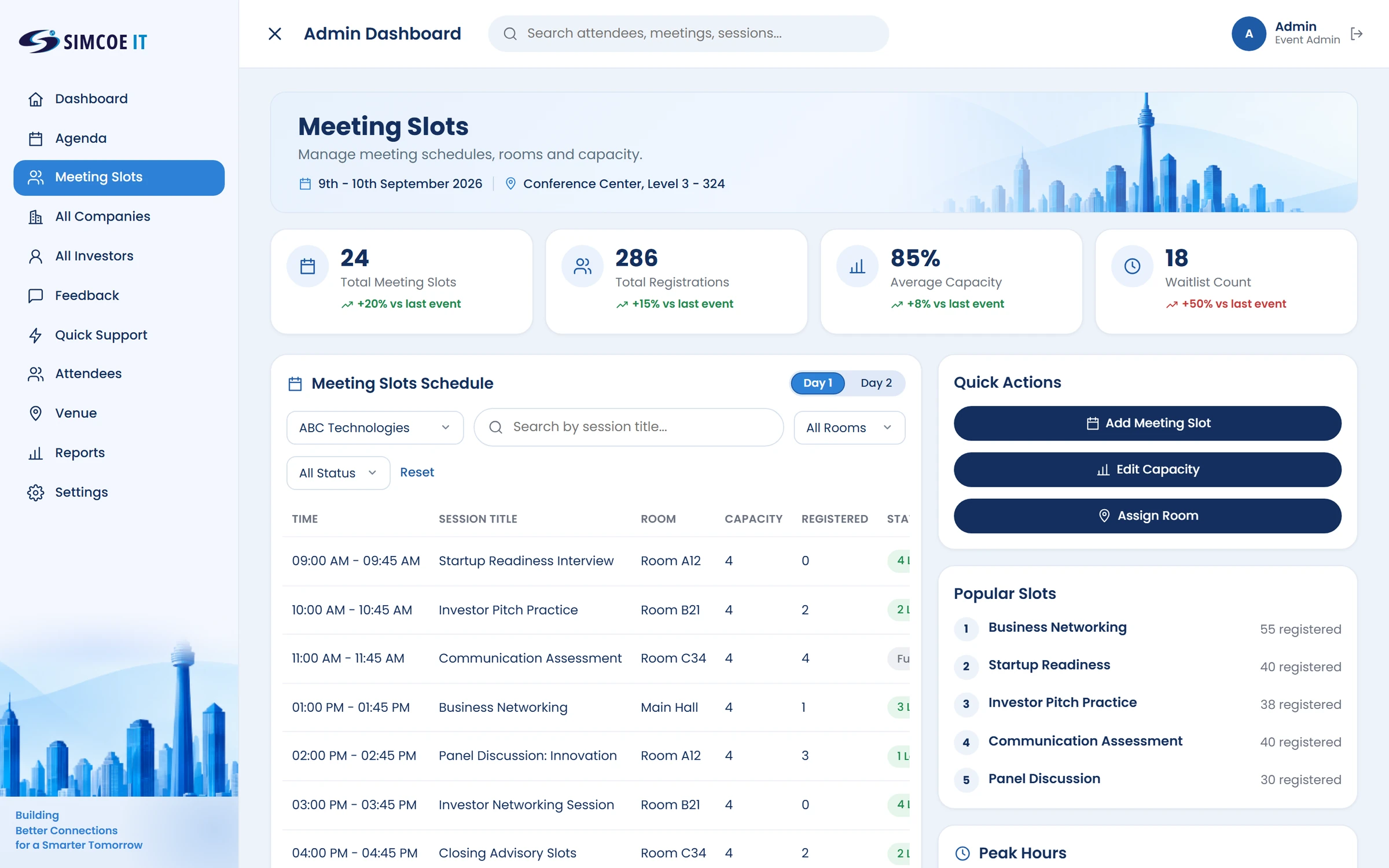
Meetings that fit the room
Create meeting slots, set room capacity and assign rooms, then track registrations and waitlists per session.
- Slot schedule by dayTime, session, room, capacity and registrations
- Add a meeting slotIn a few clicks
- Edit capacity and assign roomsStraight from quick actions
- Popular slotsSee which sessions fill first
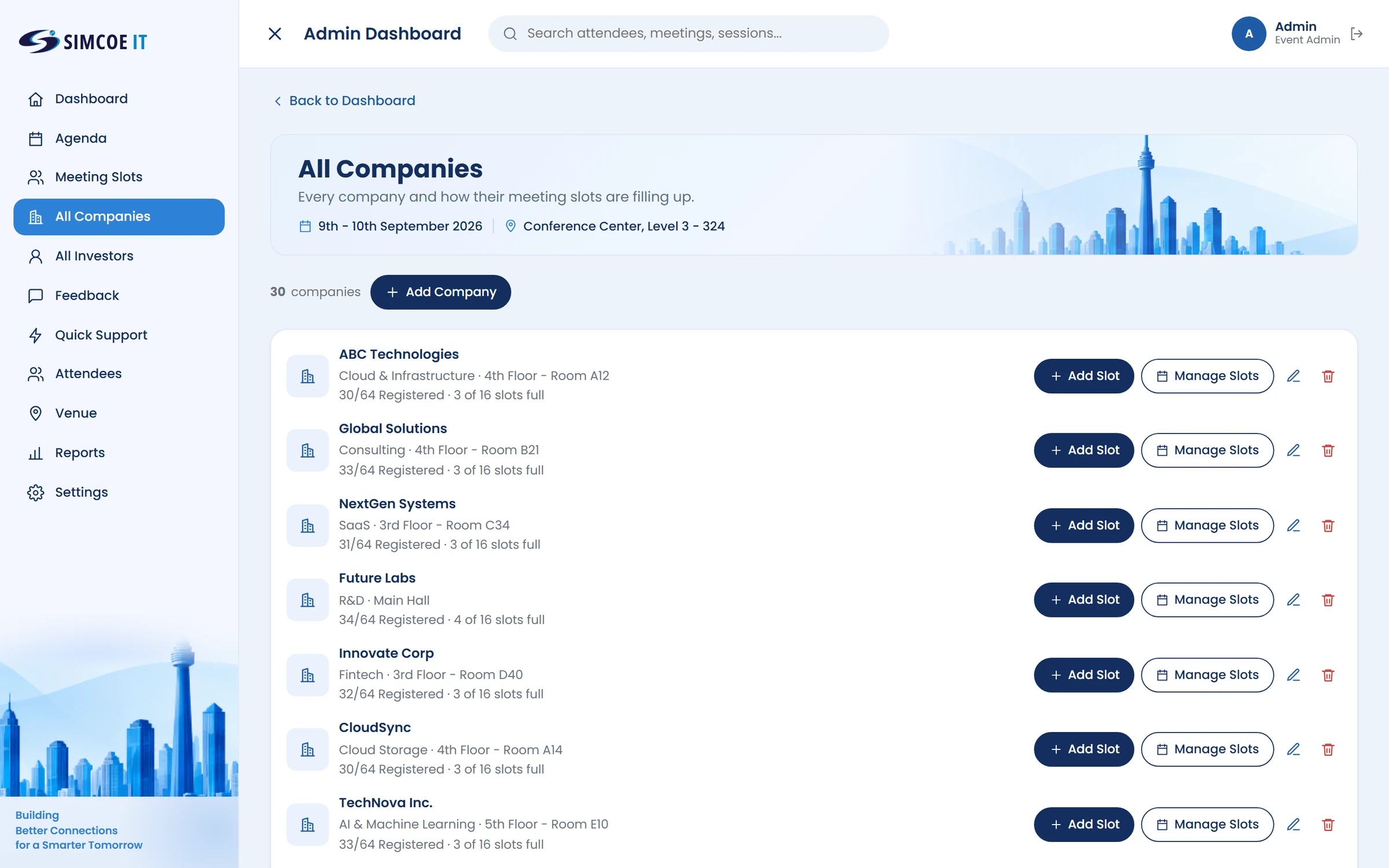
Every company, every slot
See each participating company and how full its meeting slots are, then add slots, manage them or edit details.
- Every participating companyWith sector, floor and room
- Slot fill at a glanceRegistrations and full slots per company
- Add and manage slotsPer company, from the list
- Edit or removeKeep company details up to date
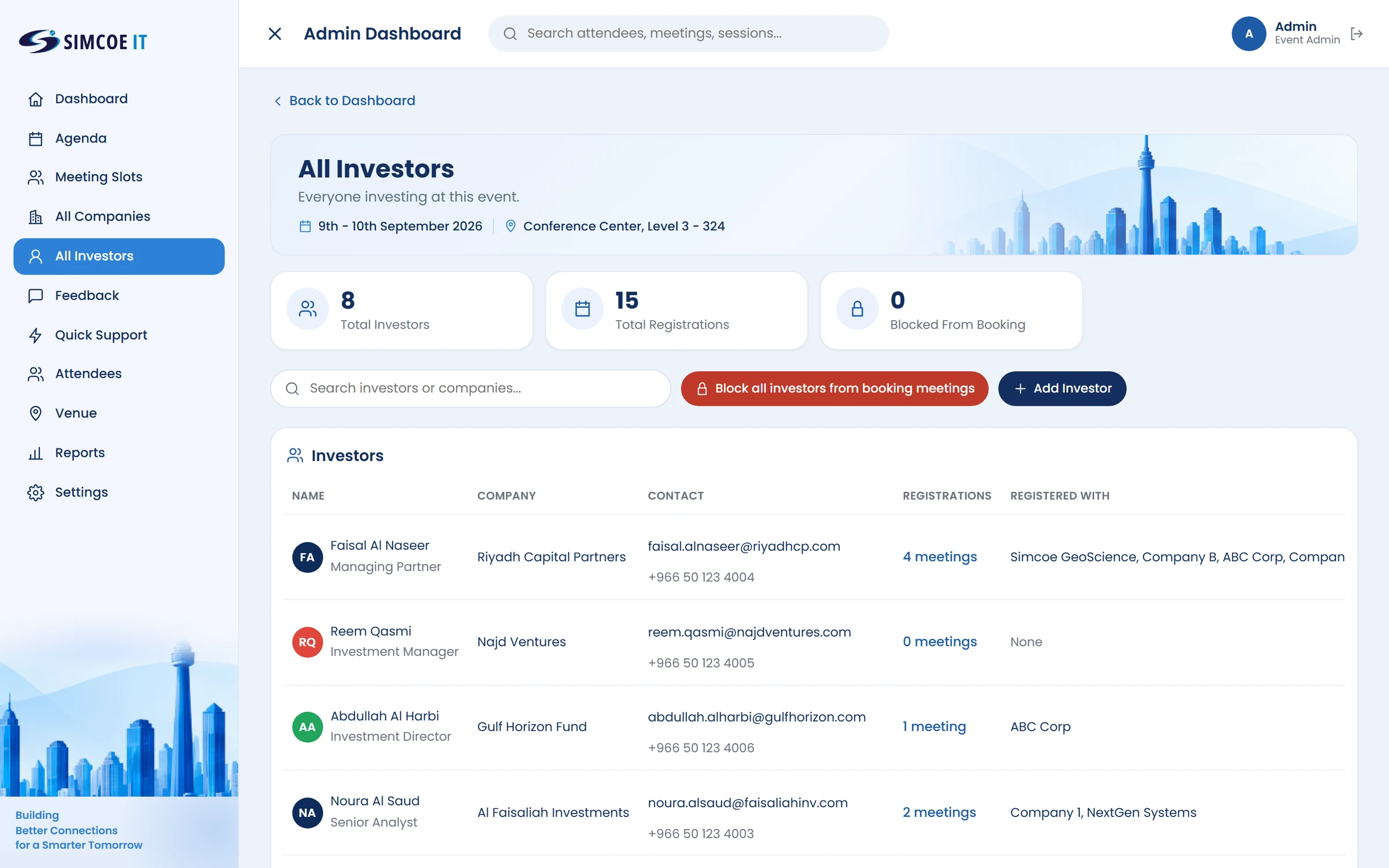
Every investor in one place
See who is investing at the event, how many meetings each has booked and which companies they are meeting.
- Investor directoryName, firm, role and contact details
- RegistrationsMeetings booked and the companies they are with
- Control bookingBlock investors from booking when needed
- Add investorsInvite new investors to the event
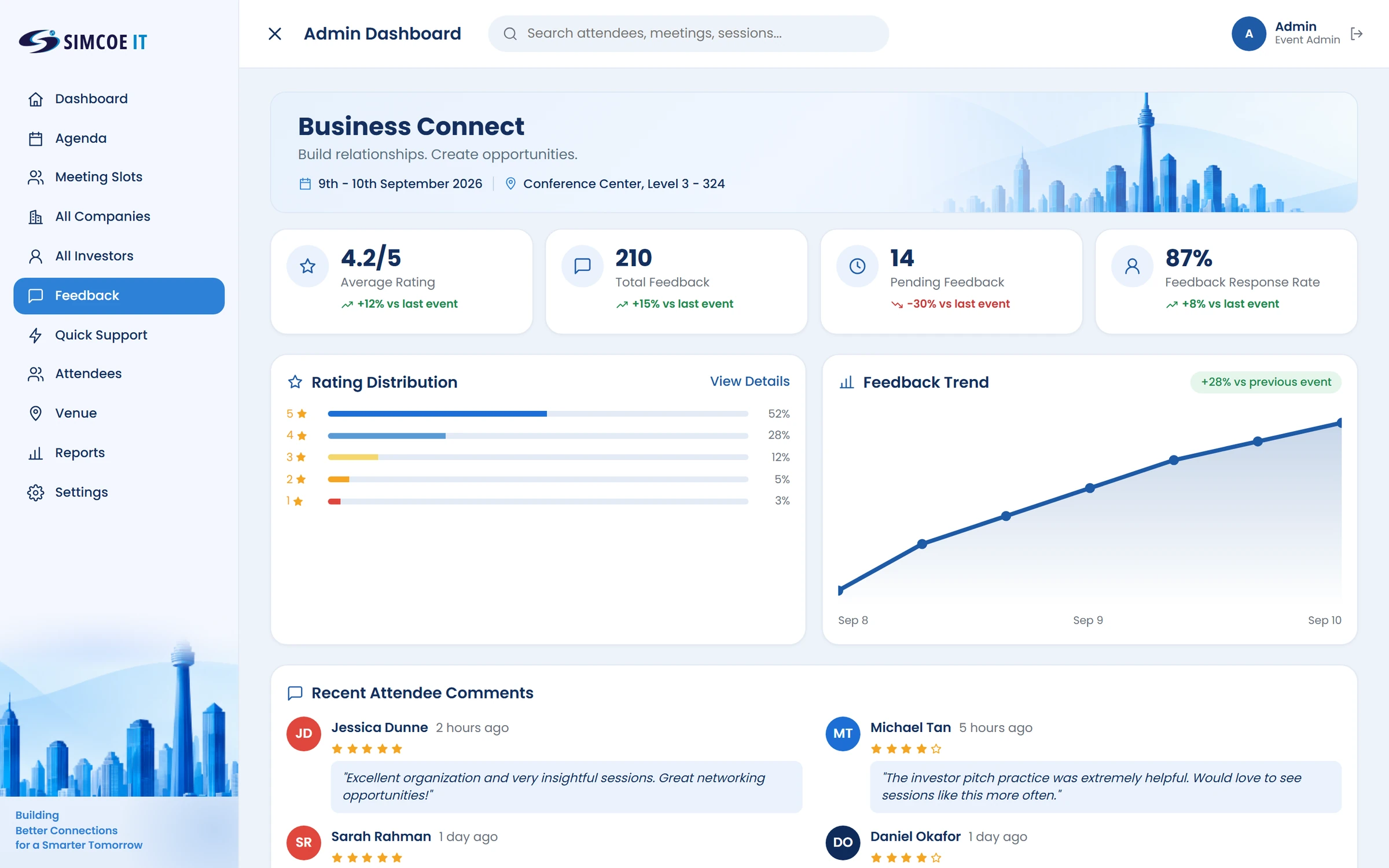
Hear from attendees
Average rating, feedback received and response rate over time, with the latest attendee comments.
- Average ratingAnd the total feedback received
- Rating distributionFrom five stars down to one
- Feedback trendAcross the event days
- Attendee commentsThe latest, with their ratings
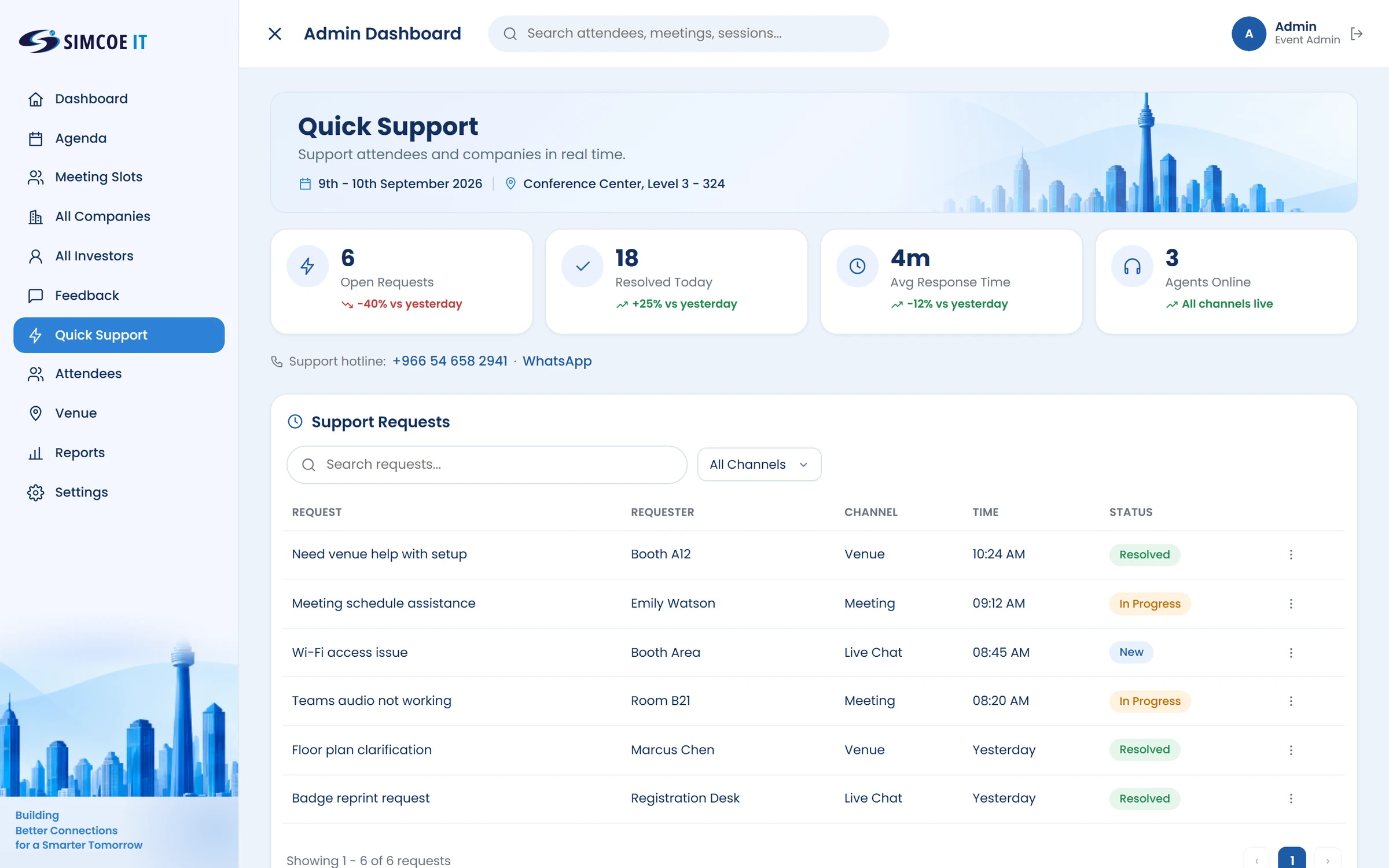
Support in real time
Every request from attendees and companies in one queue, by channel, with status and response times.
- Support requestsVenue, meeting, live chat and more
- Track statusNew, in progress or resolved
- Response timesAverage response and agents online
- Search and filterFind any request by channel
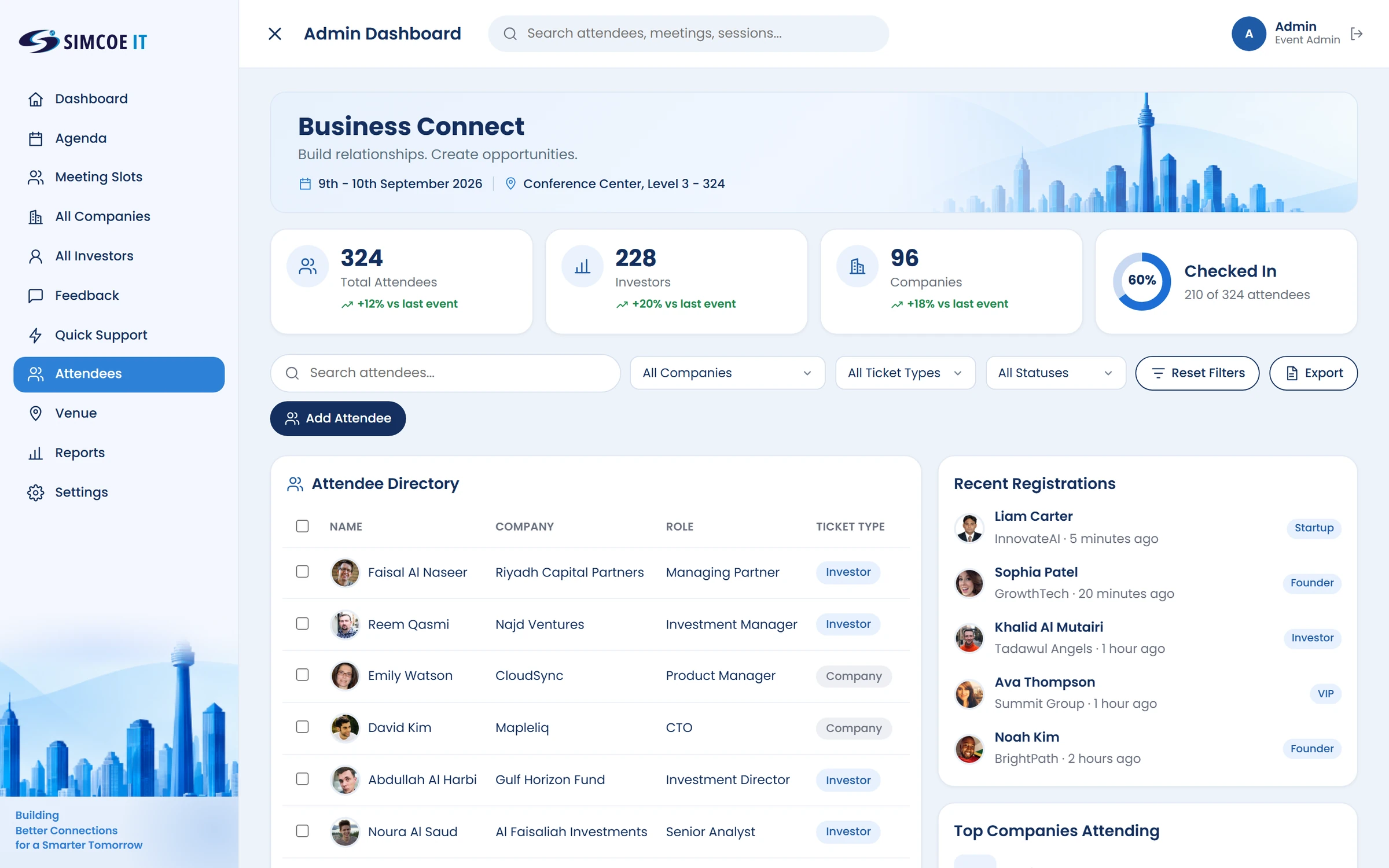
See who has arrived.
Attendees by company, role and ticket type, with registrations, meetings and check-in status.
- Search and filterBy company, ticket type and status
- Attendee directoryName, company, role and ticket type
- Check-in trackingHow many attendees have arrived
- Add or exportAdd attendees or export the list
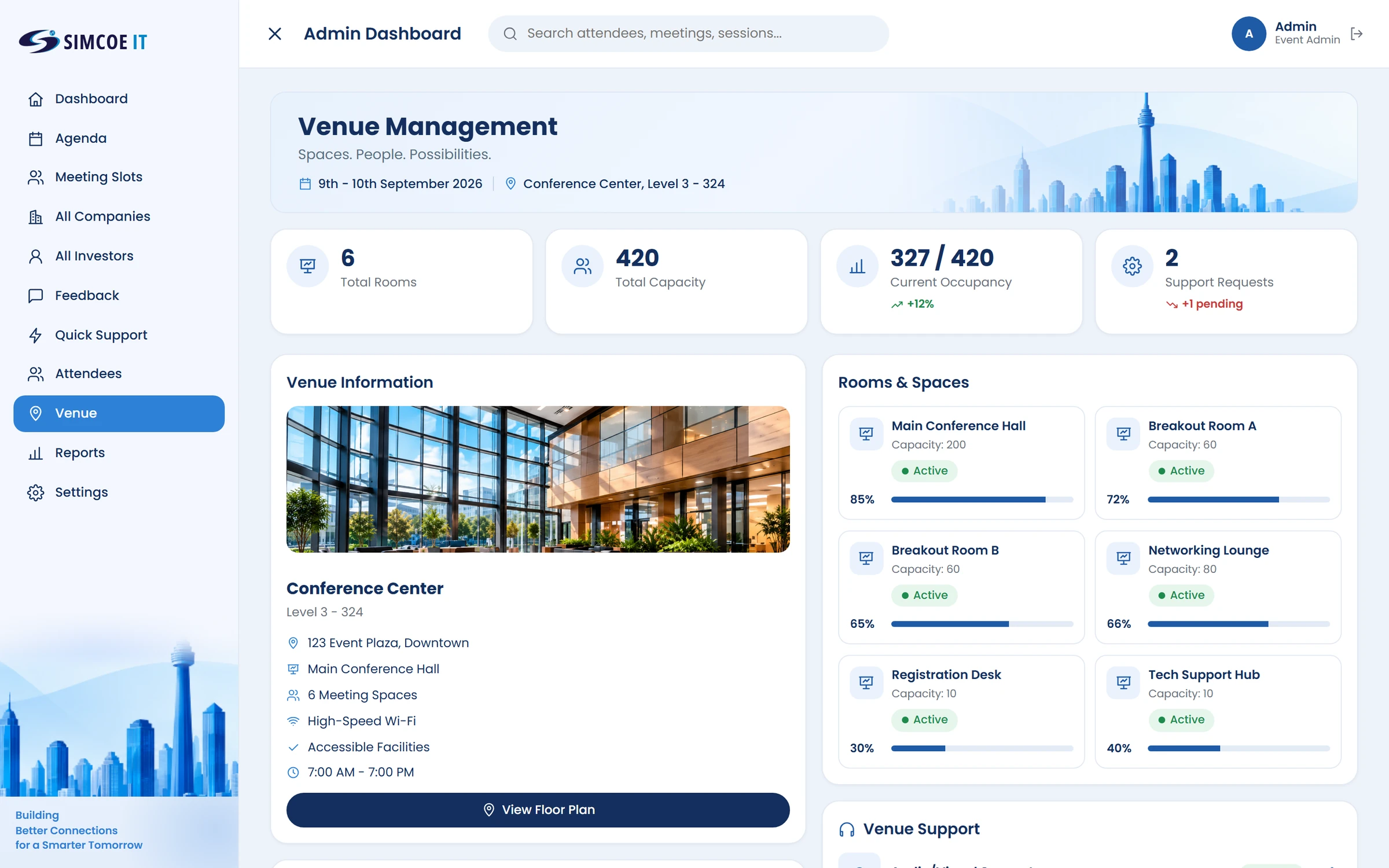
Run the venue
Rooms, capacity and occupancy for the whole venue, with the floor plan one click away.
- Venue detailsAddress, facilities and opening hours
- Rooms and spacesCapacity and status for every room
- Live occupancyHow full each space is right now
- Venue supportOpen requests about the venue
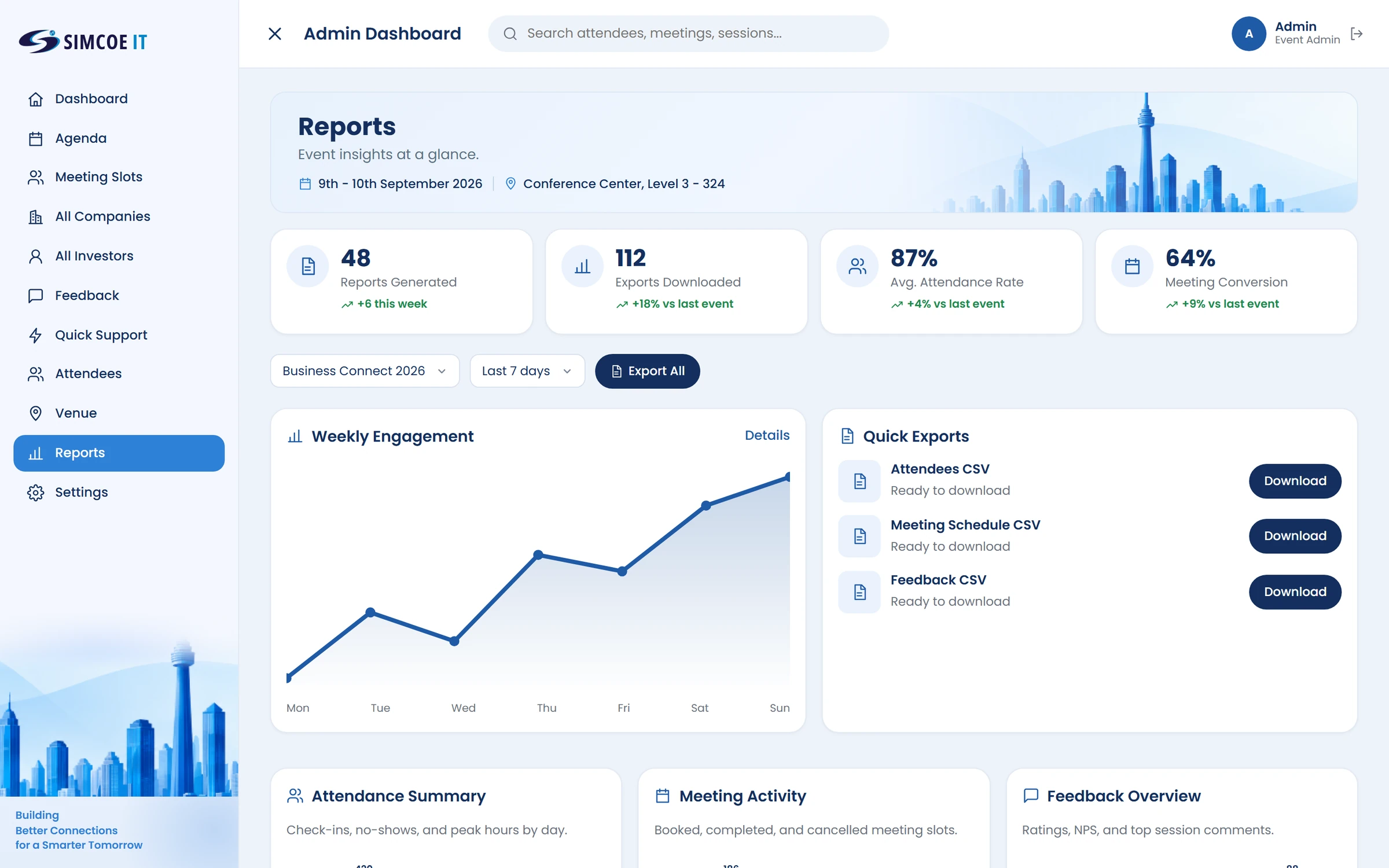
Reports and exports
Weekly engagement, attendance and meeting activity, with quick CSV exports for attendees, schedules and feedback.
- Headline metricsReports, exports, attendance and conversion
- Weekly engagementActivity across the week
- Quick CSV exportsAttendees, meeting schedule and feedback
- SummariesAttendance, meeting activity and feedback
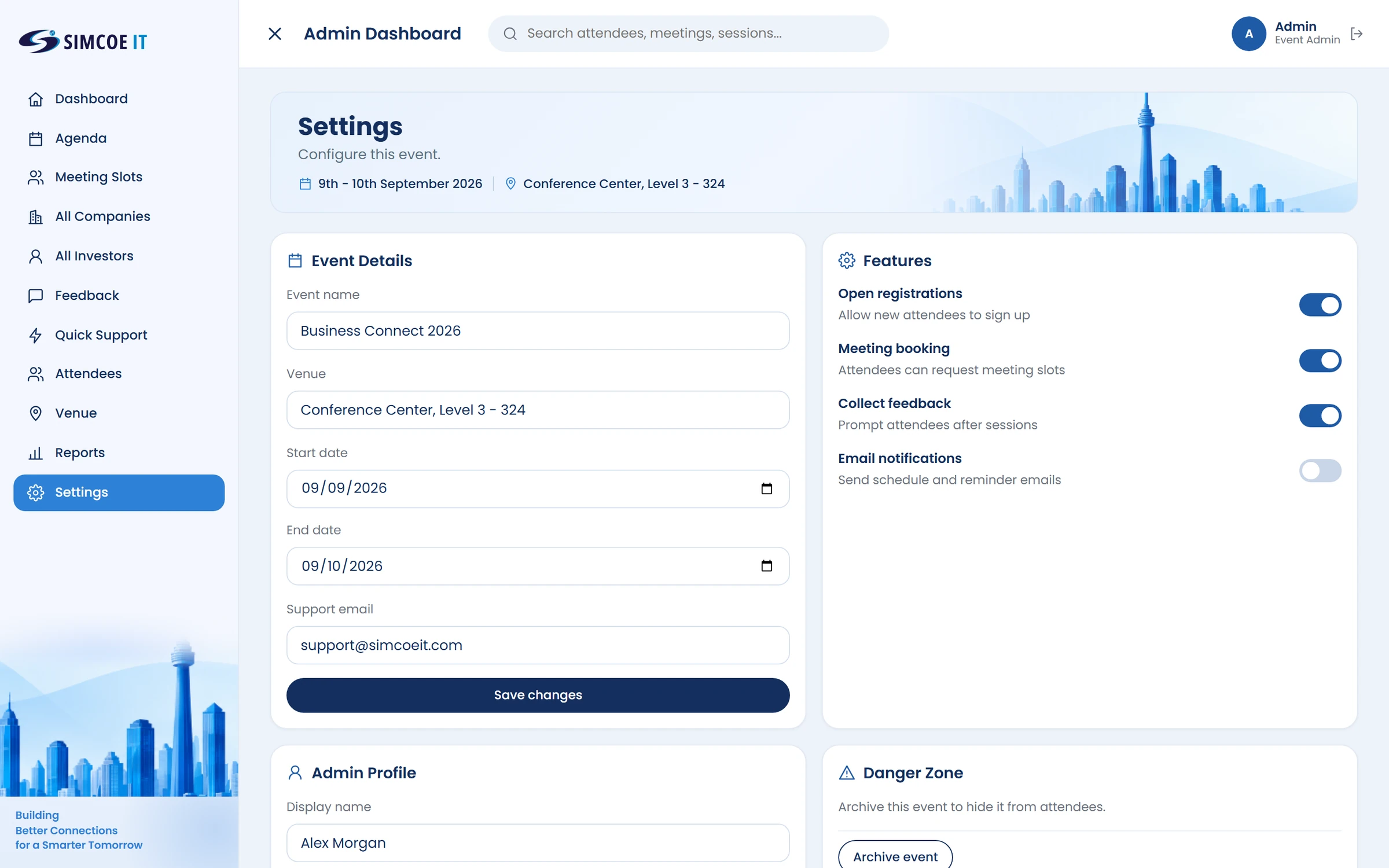
Configure the event
Event details, features and notifications in one settings screen, so organisers stay in control.
- Event detailsName, venue, dates and support email
- ScheduleStart and end dates for the event
- Features on or offRegistrations, booking, feedback and emails
- Admin profileYour name and account details
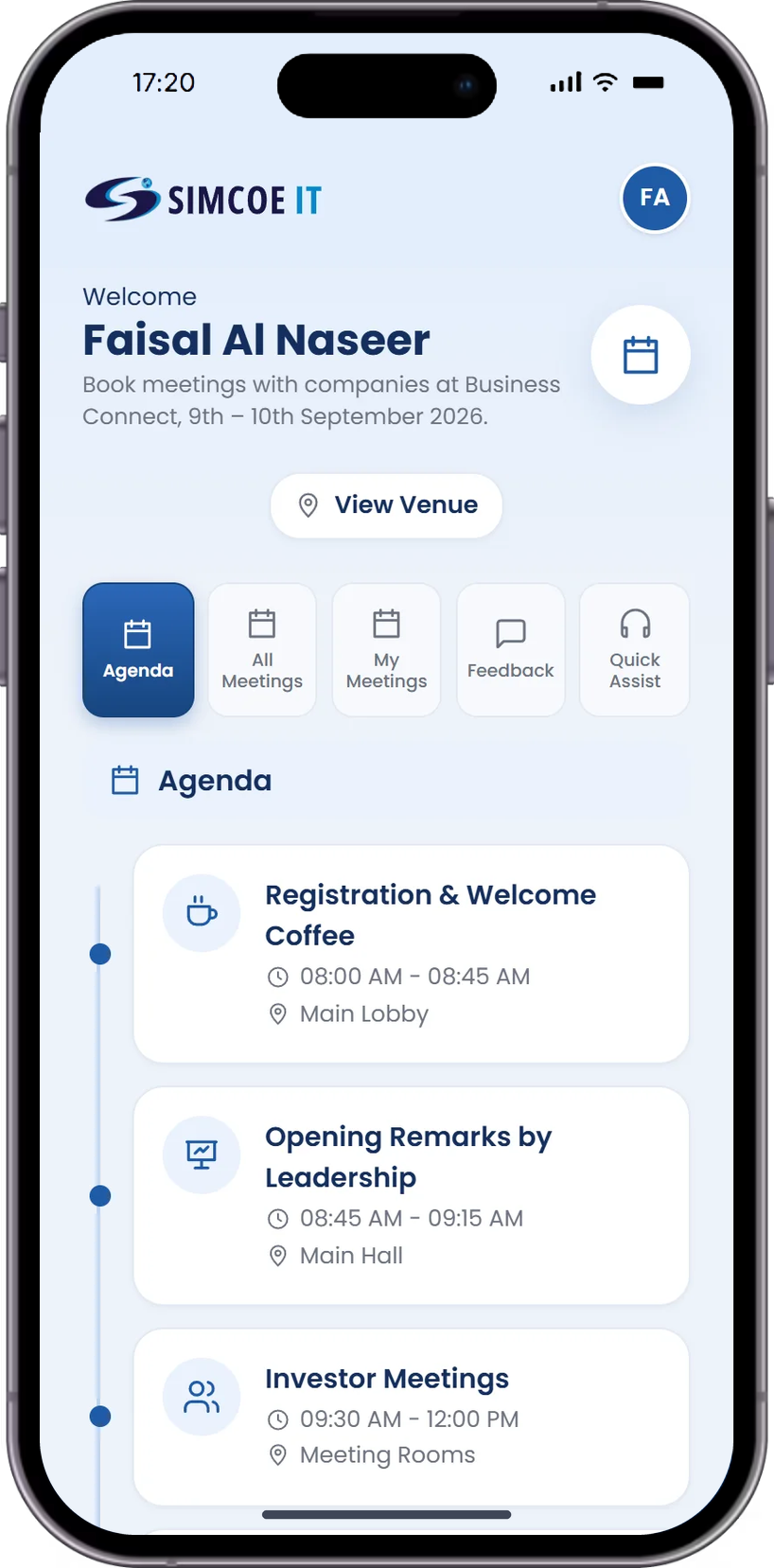
Investor Mobile App
Investors sign in to see every meeting on offer, book slots with companies and keep track of the meetings they have booked.
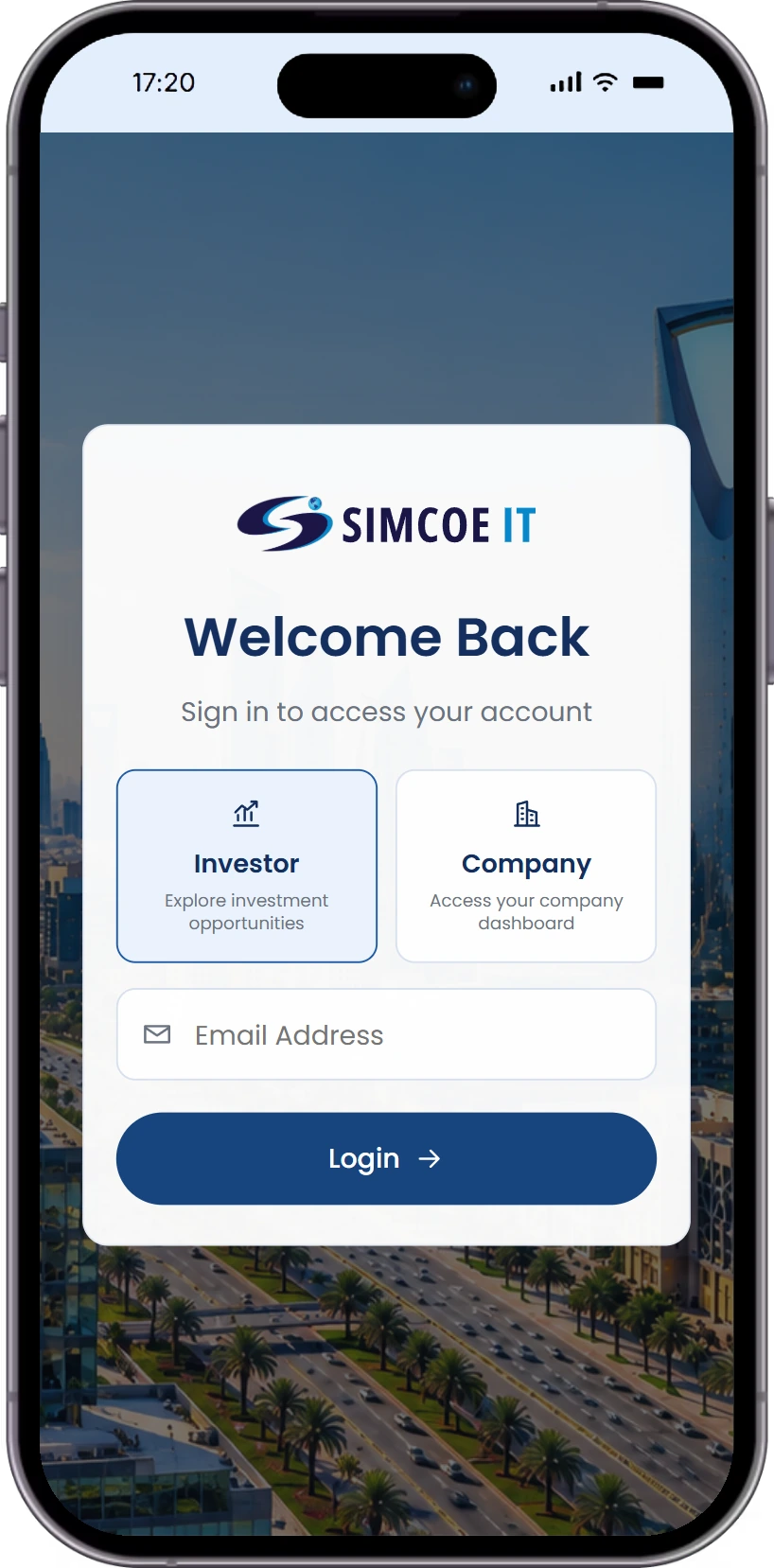
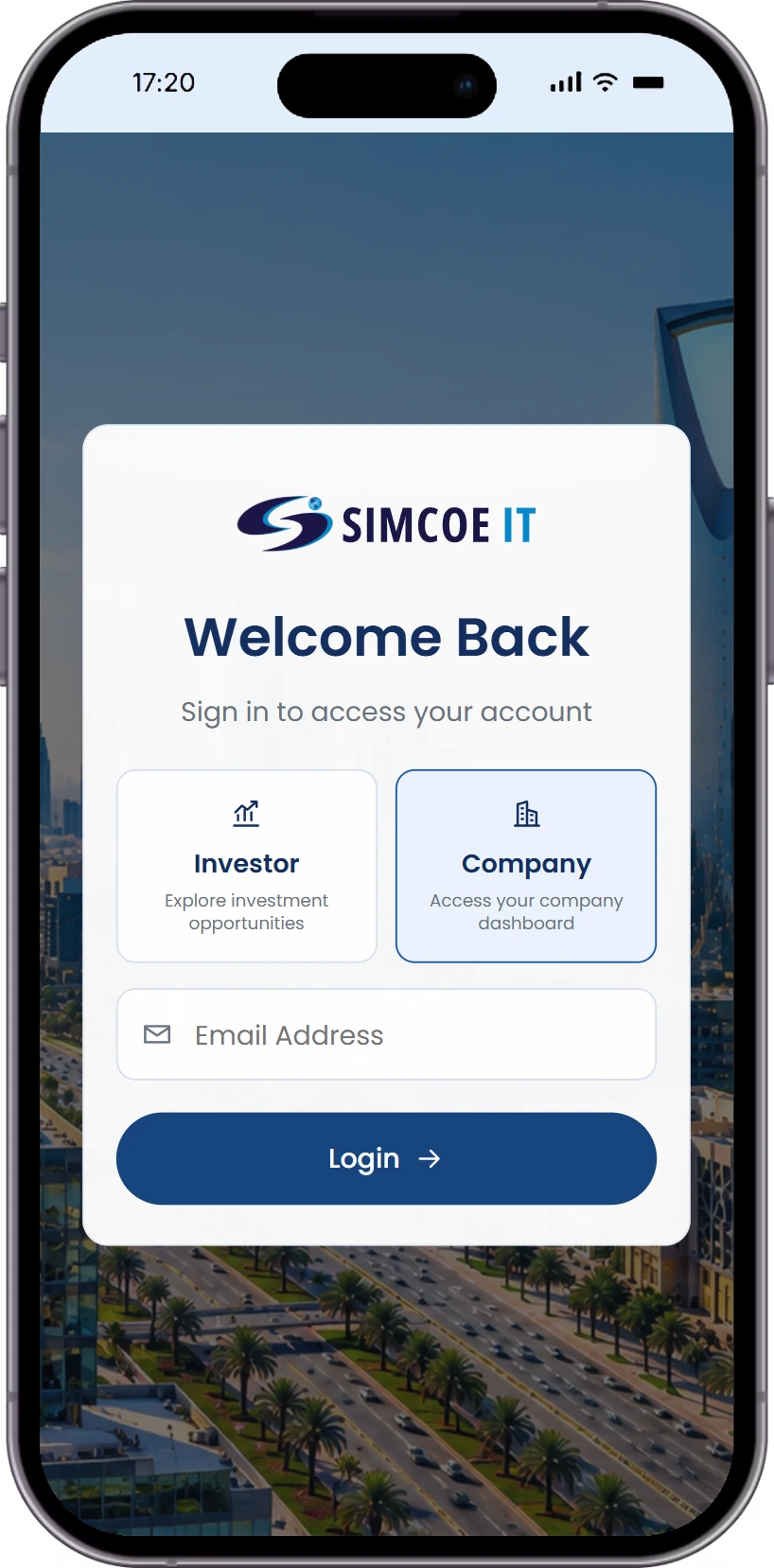
Sign In as an Investor
Investors choose the Investor role on the login screen, enter their email and land straight on the event agenda.
- Pick your roleInvestor selected on the login screen
- Simple sign-inJust an email address
- Straight to the agendaThe day's sessions right after login
Event Agenda
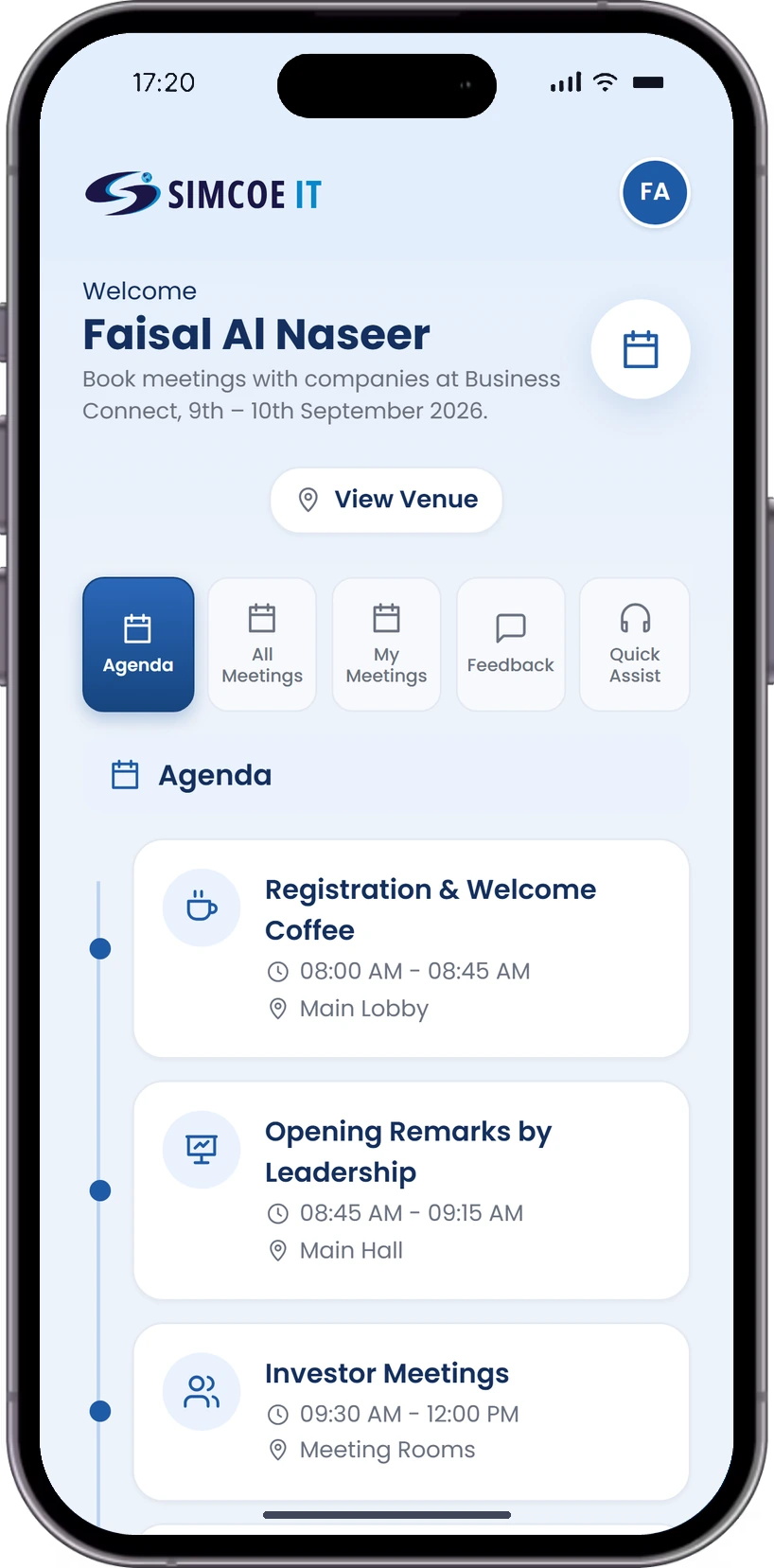
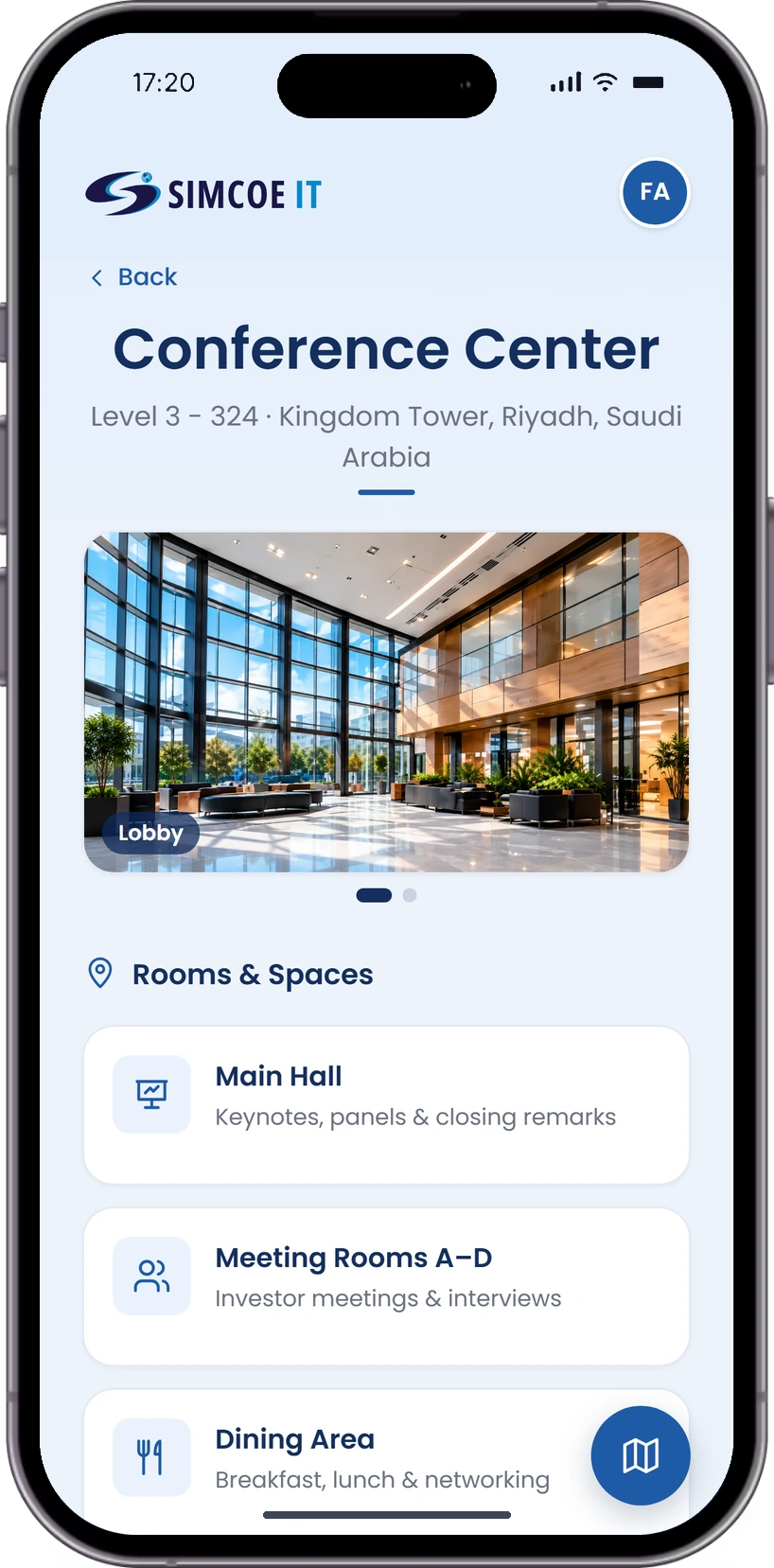
The full programme in the investor’s pocket, with the venue guide one tap away.
- Agenda by timeEvery session with its time
- Rooms and venueWhere each session takes place
- Investor meetingsMeeting blocks in the schedule
- Always currentChanges show up straight away
All Meetings
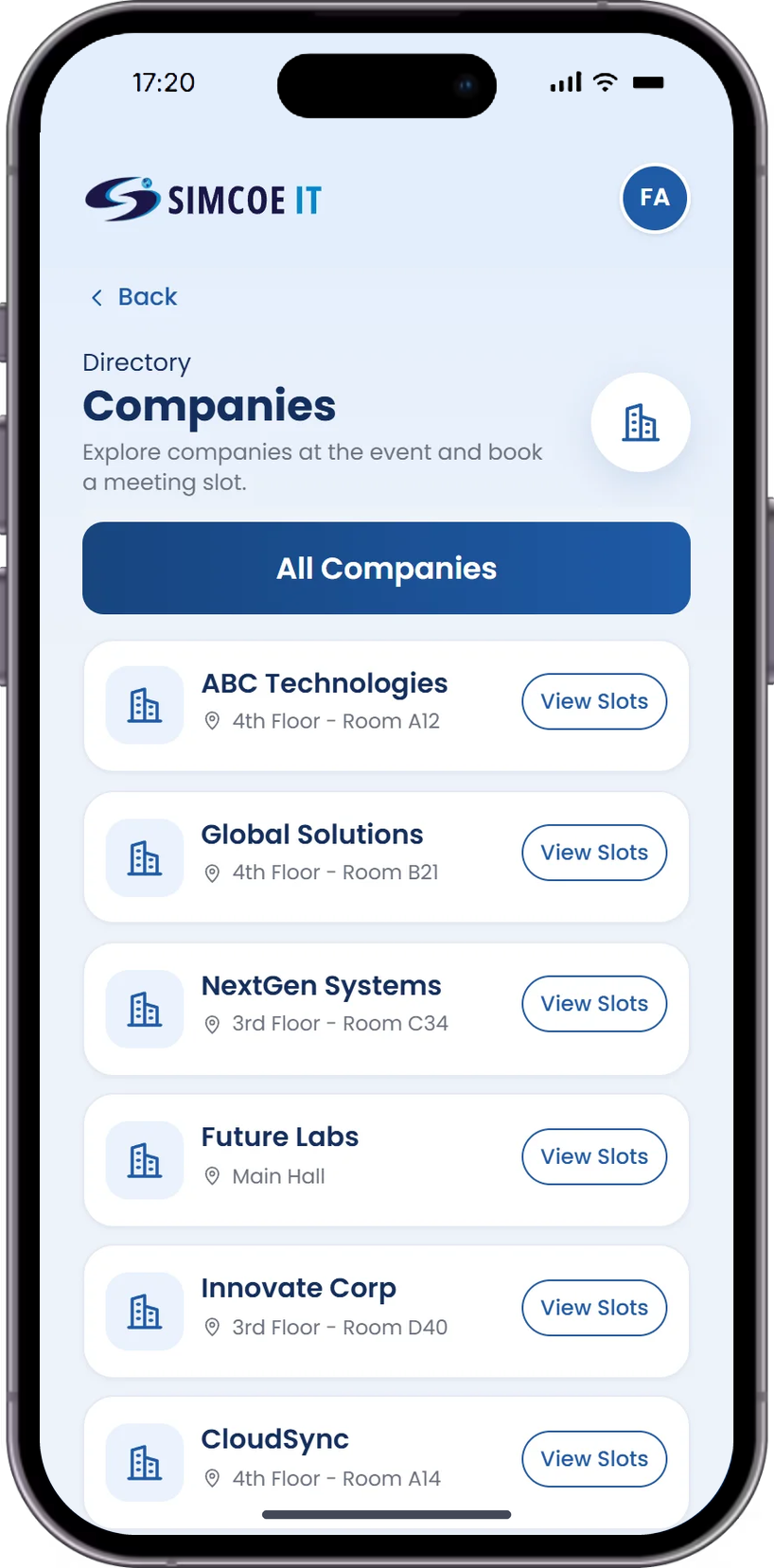
Every company taking meetings at the event, in one list. Investors browse by sector and room, see how full each company’s slots are, and book a meeting in a couple of taps, with no emails or spreadsheets in between.
- View all meetingsEvery company and time slot on offer
- Browse companiesSector, floor and meeting room for each
- Check statusRegistered, confirmed or completed
- View details or registerOpen a company and book a free slot in one tap
- Stay up to dateSlot availability updates as others book
My Meetings
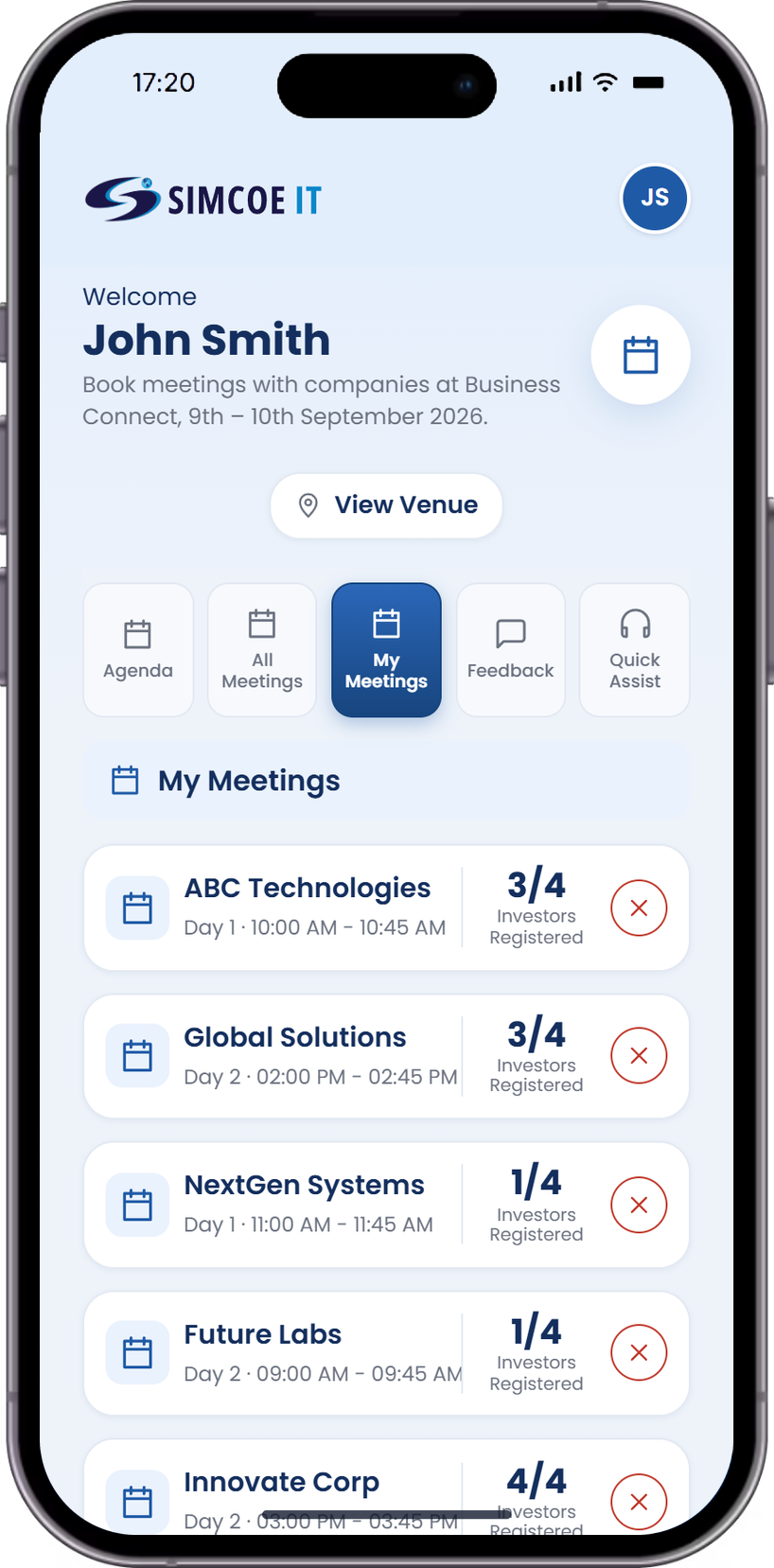
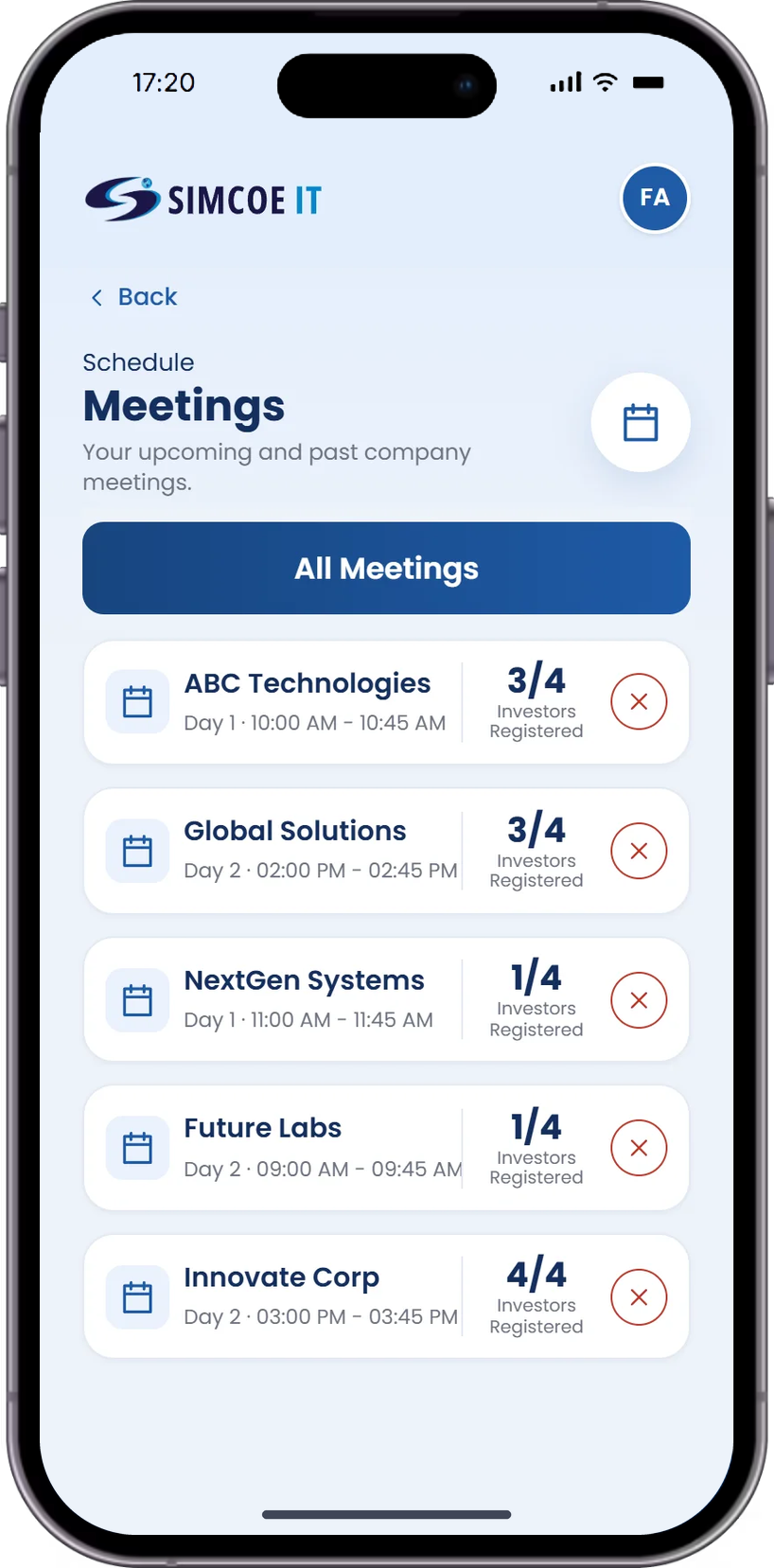
Only the meetings you've registered for, in one screen.
- View your registered meetingsOnly the ones you booked
- Check details or cancelManage a meeting without leaving the list
- Give feedbackAfter each meeting ends
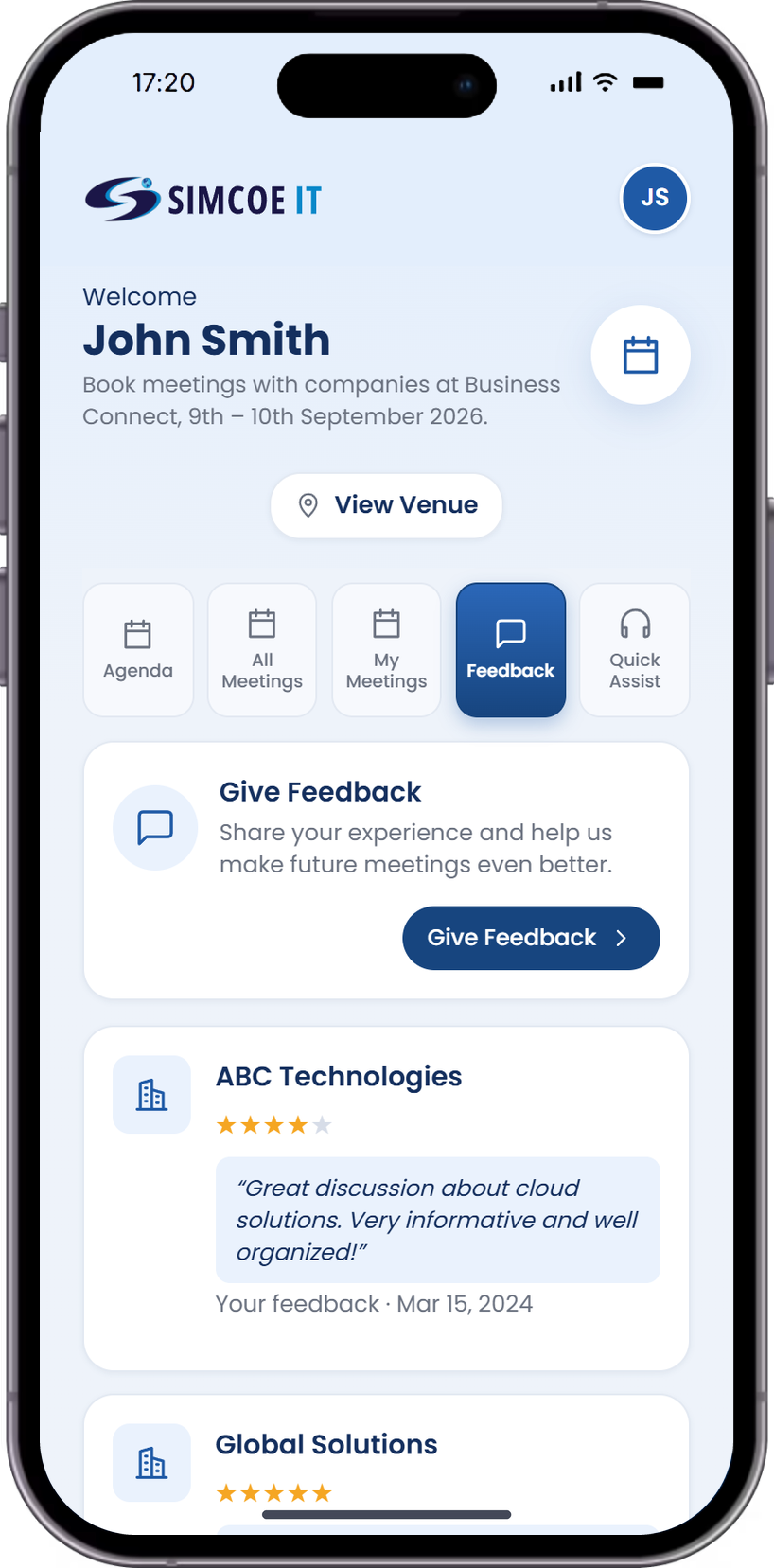
Feedback
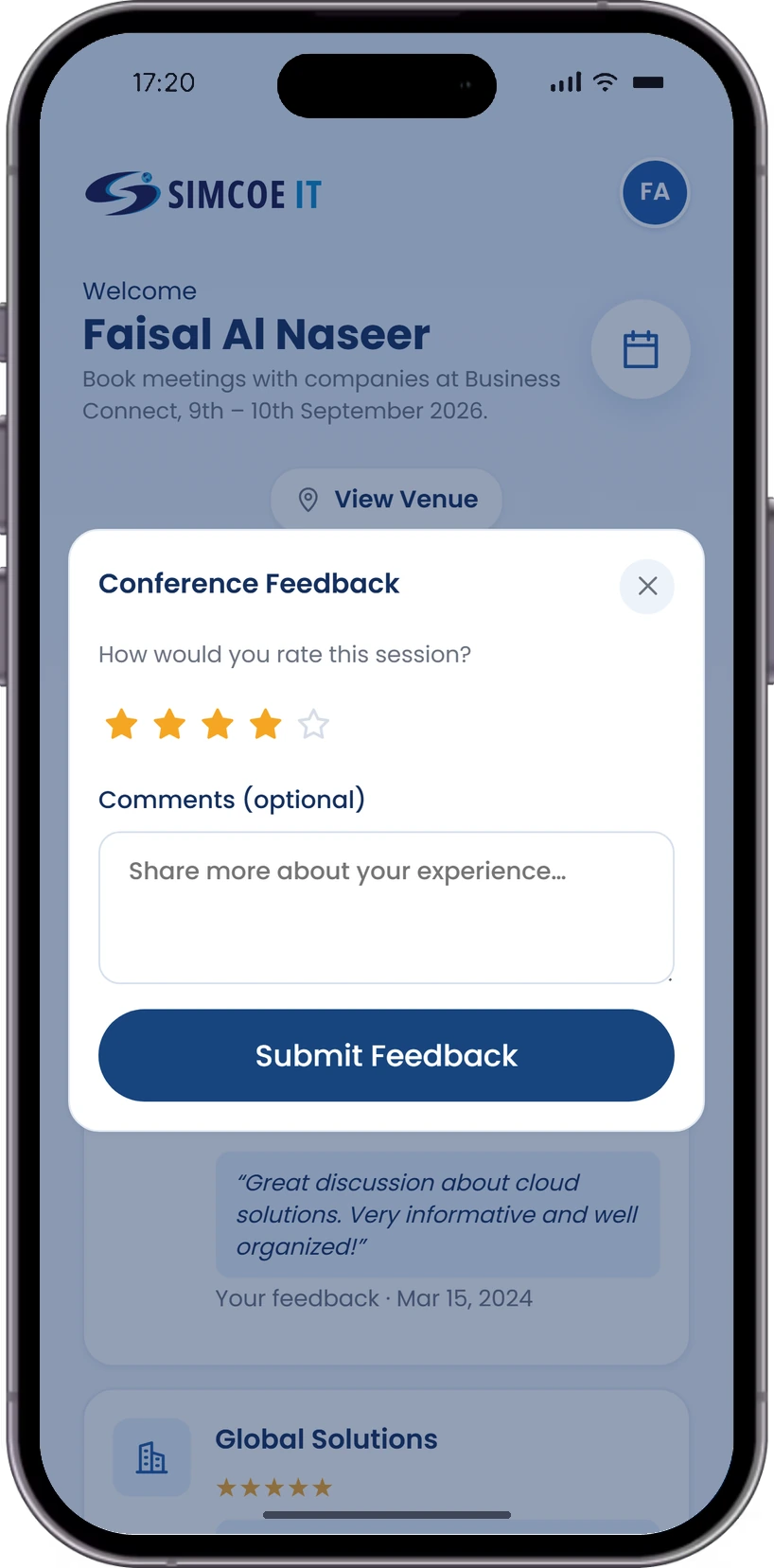
Investors can rate meetings and share their experience.
- Give feedbackAfter each completed meeting
- Rate and commentStar ratings with comments
- Past feedbackAll in one place
Quick Assist
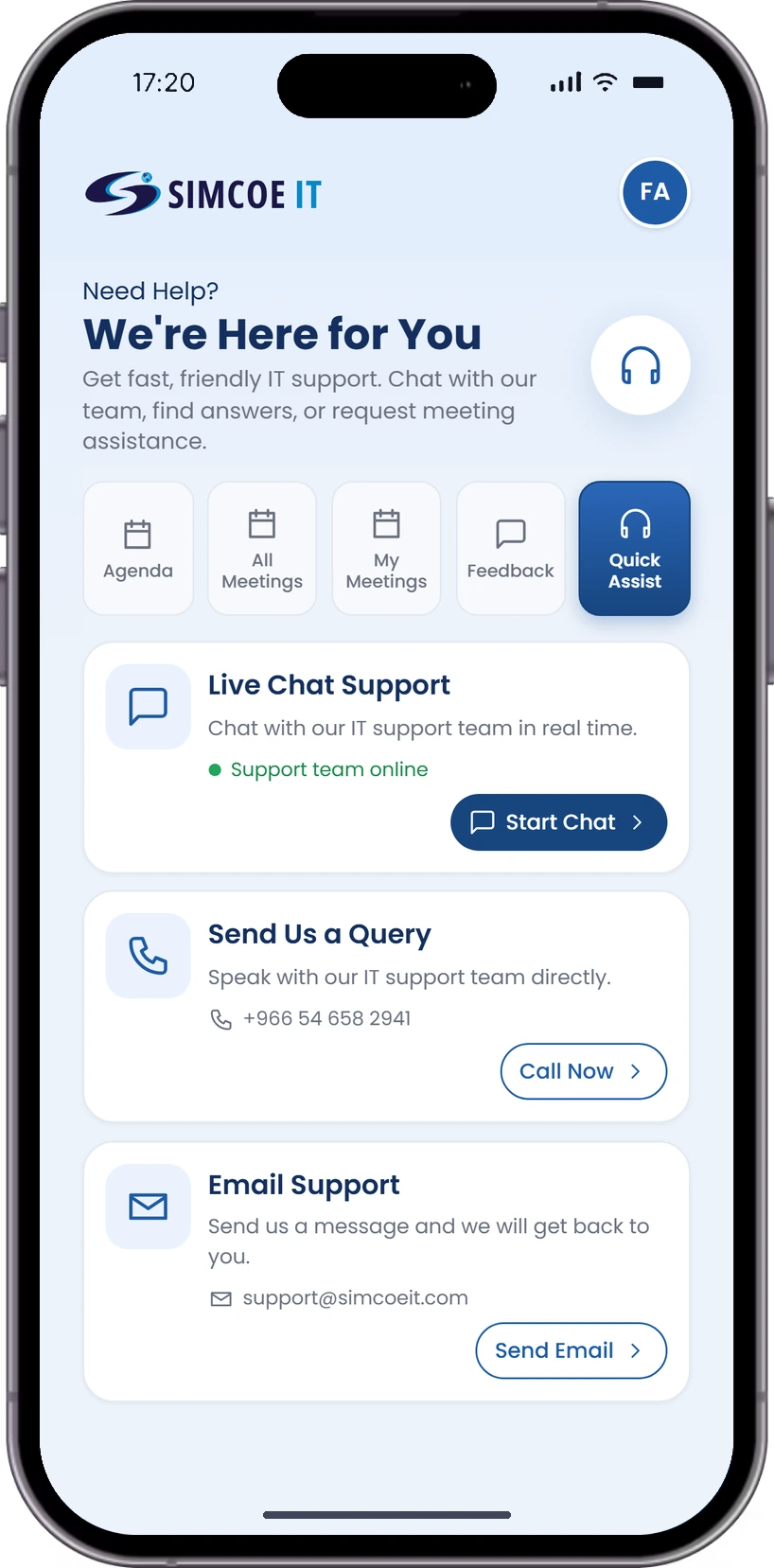
Help is always close: live chat, a call or an email to the support team, without leaving the app.
- Live chat supportTalk to the team in real time
- Call or send a queryReach support directly
- Email supportGet a reply by email
Company Mobile App
Companies get their own app to follow their meeting schedule and see which investors are coming to each slot.
Sign In as a Company
Companies choose the Company role on the same login screen and open their own dashboard with the agenda and meeting tools.
- Pick your roleCompany selected on the login screen
- Simple sign-inJust an email address
- Own dashboardAgenda, slots and investors in one place
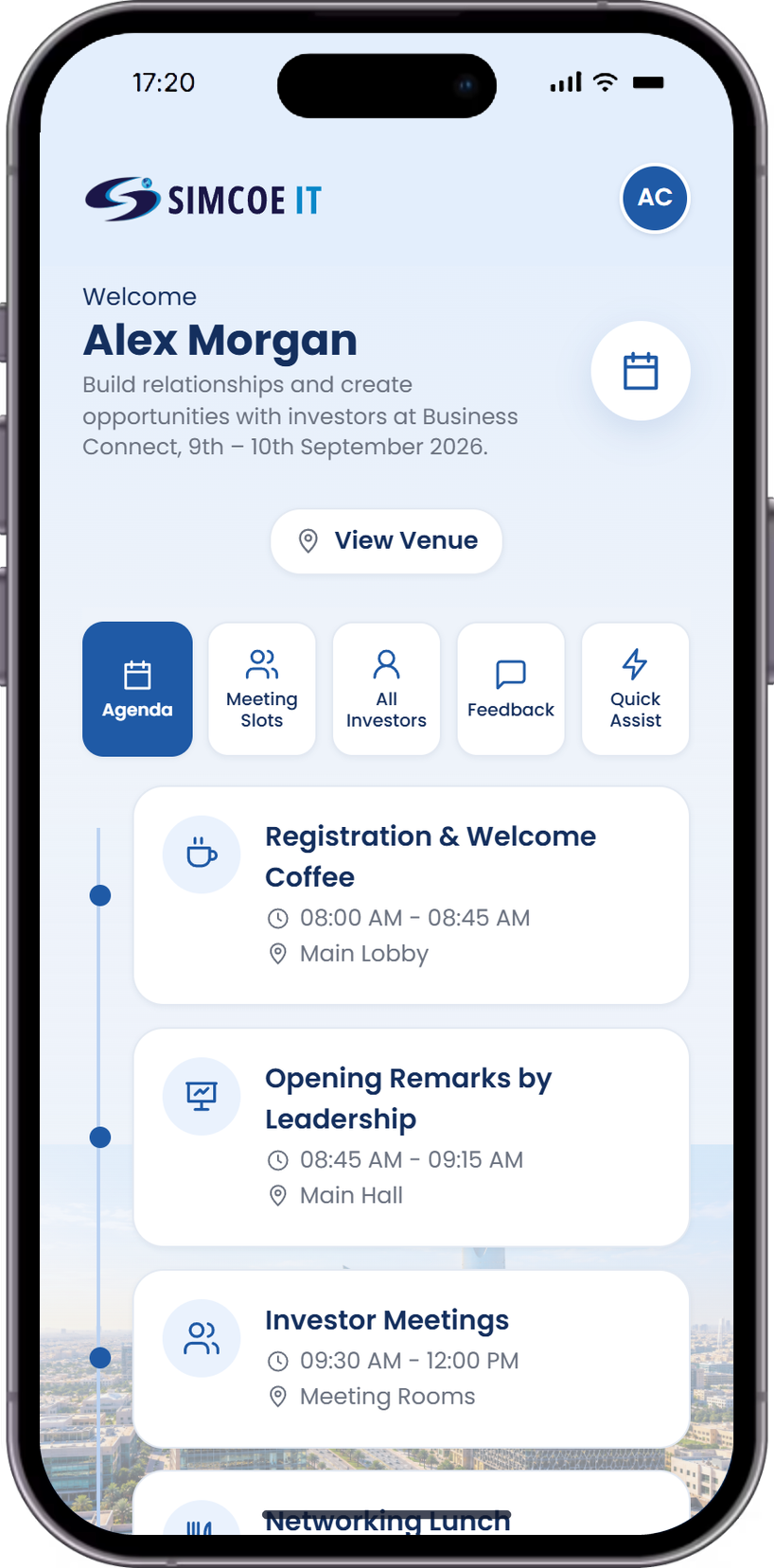
Event Agenda
One screen for the company to view the full event schedule.
- Full event scheduleIn order, day by day
- Session times and venuesWhere and when each session runs
- Investor meetingsAnd networking slots
- Stay updatedThroughout the event
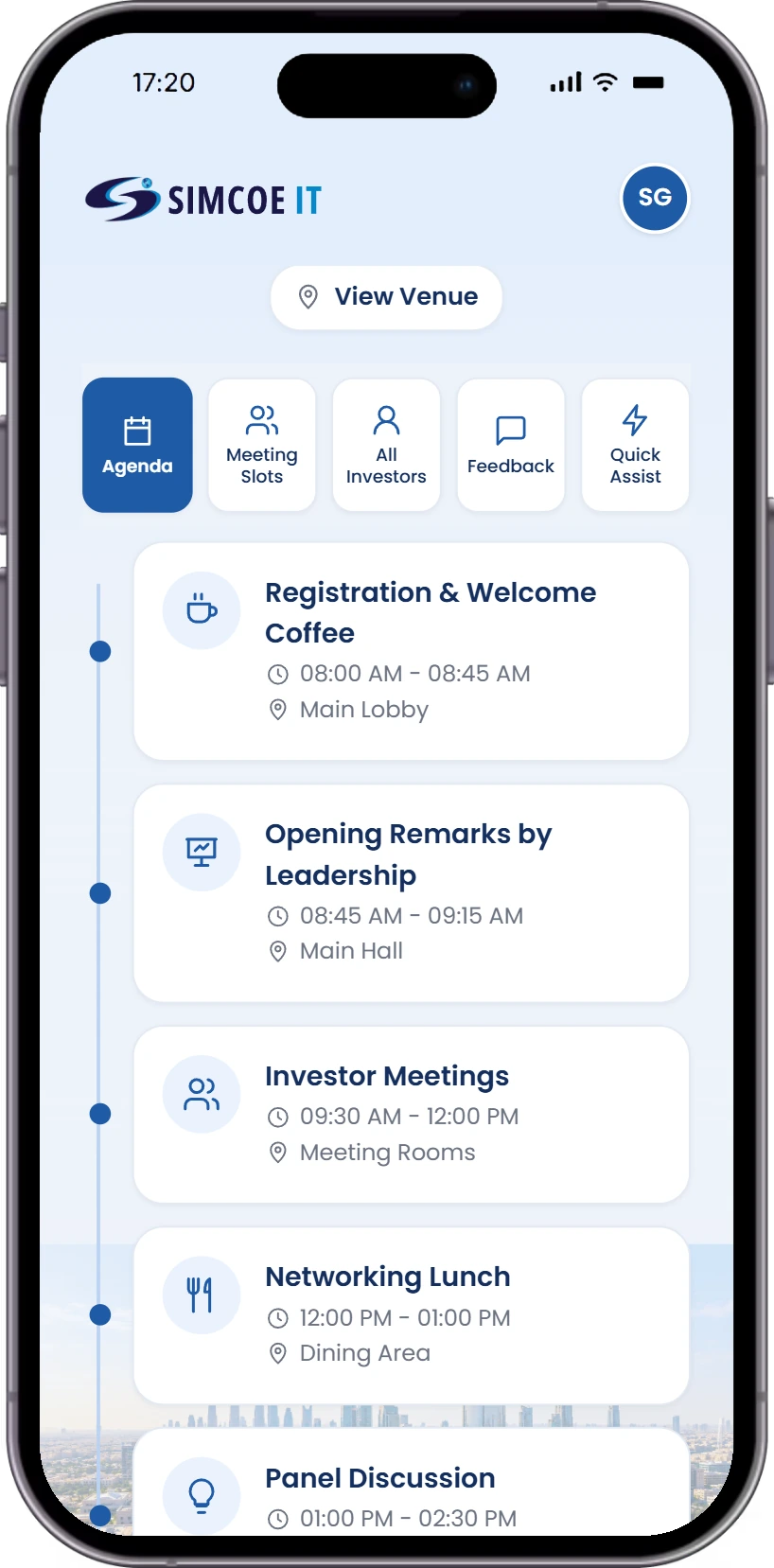
Meeting Slots
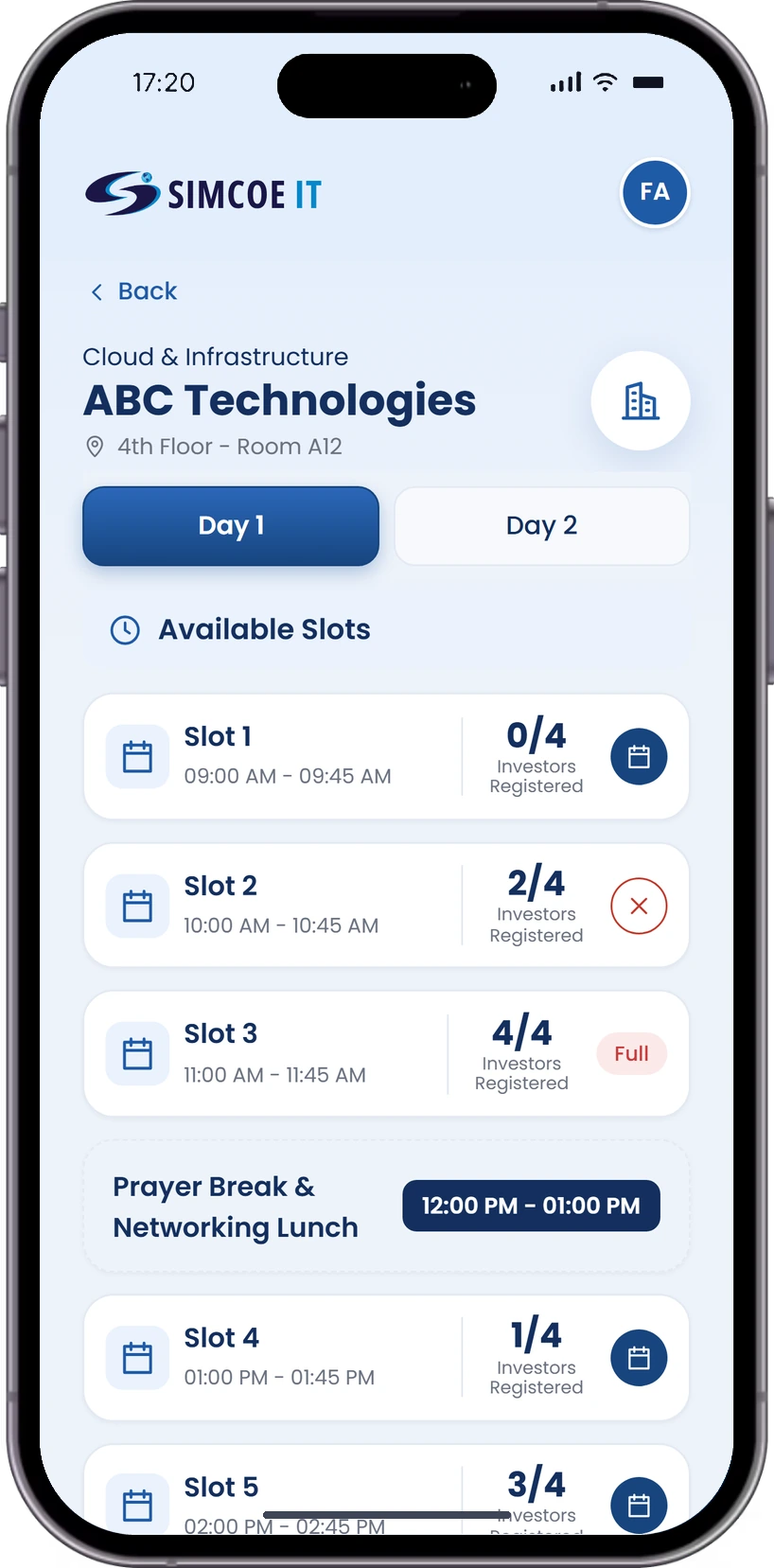
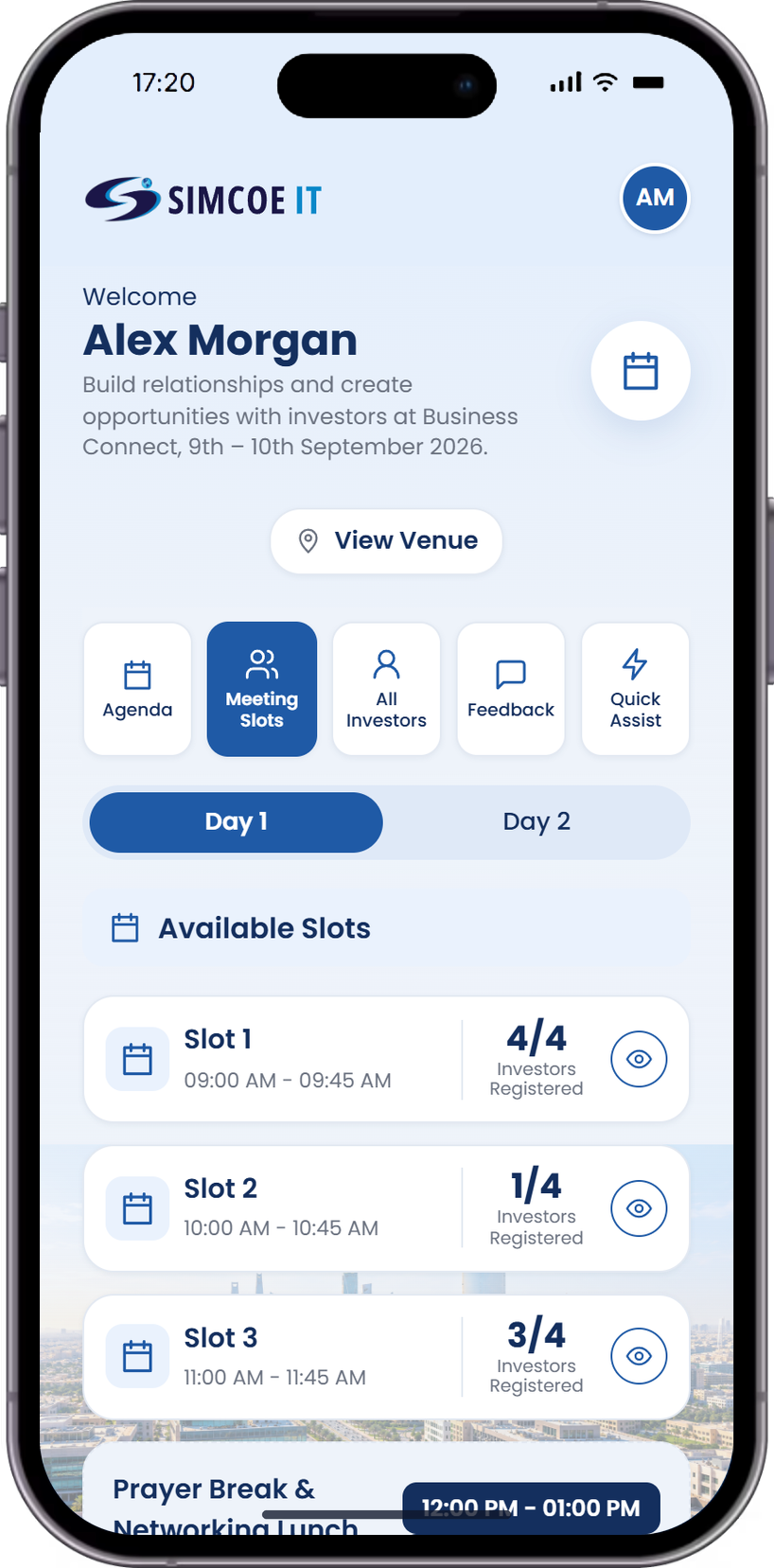
Companies see every meeting slot by day, and how many investors have booked each one.
- Slots by daySwitch between Day 1 and Day 2
- Bookings per slotHow many investors booked each slot
- See who bookedOpen a slot to view its investors
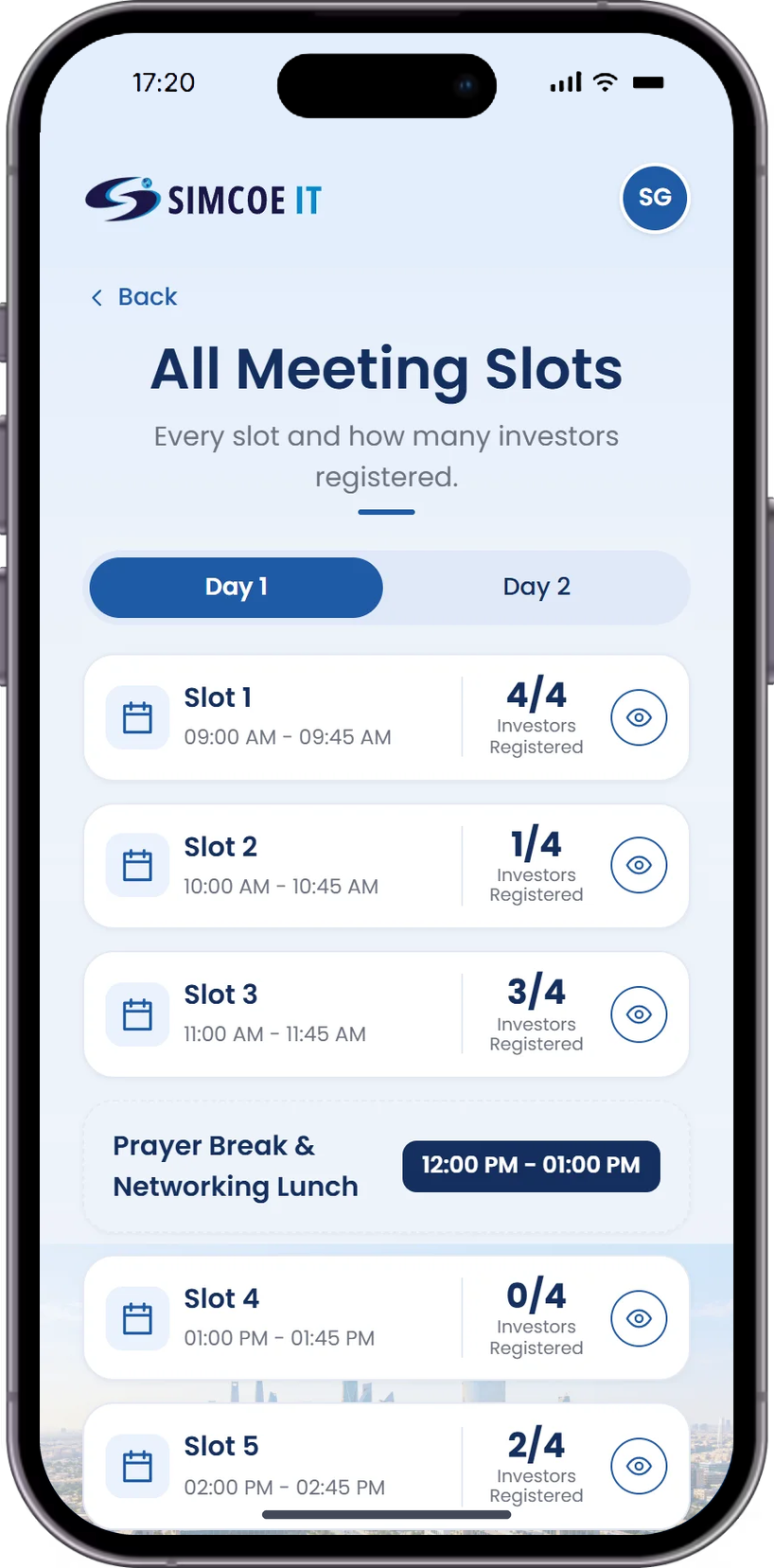
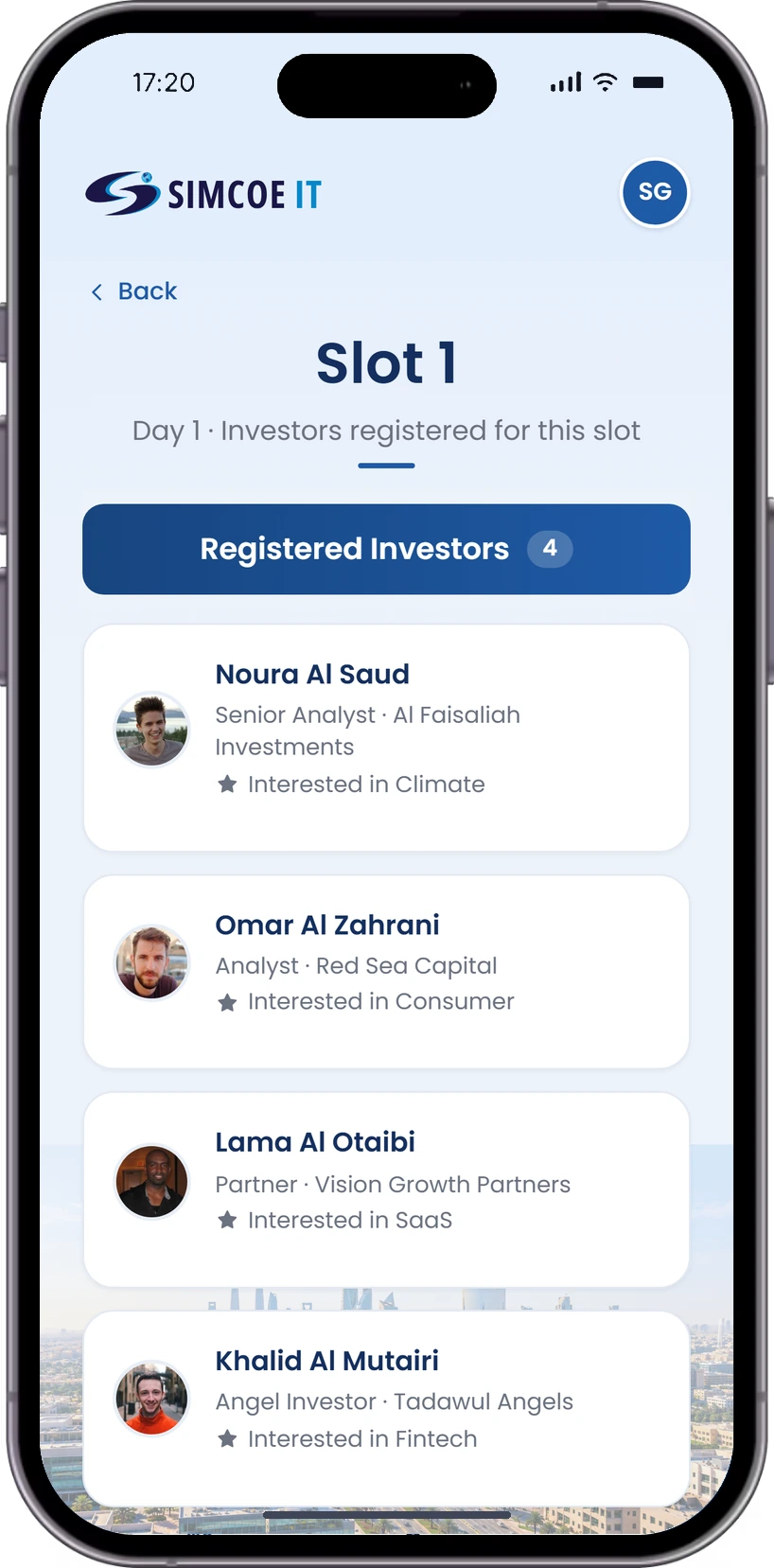
Registered Investors
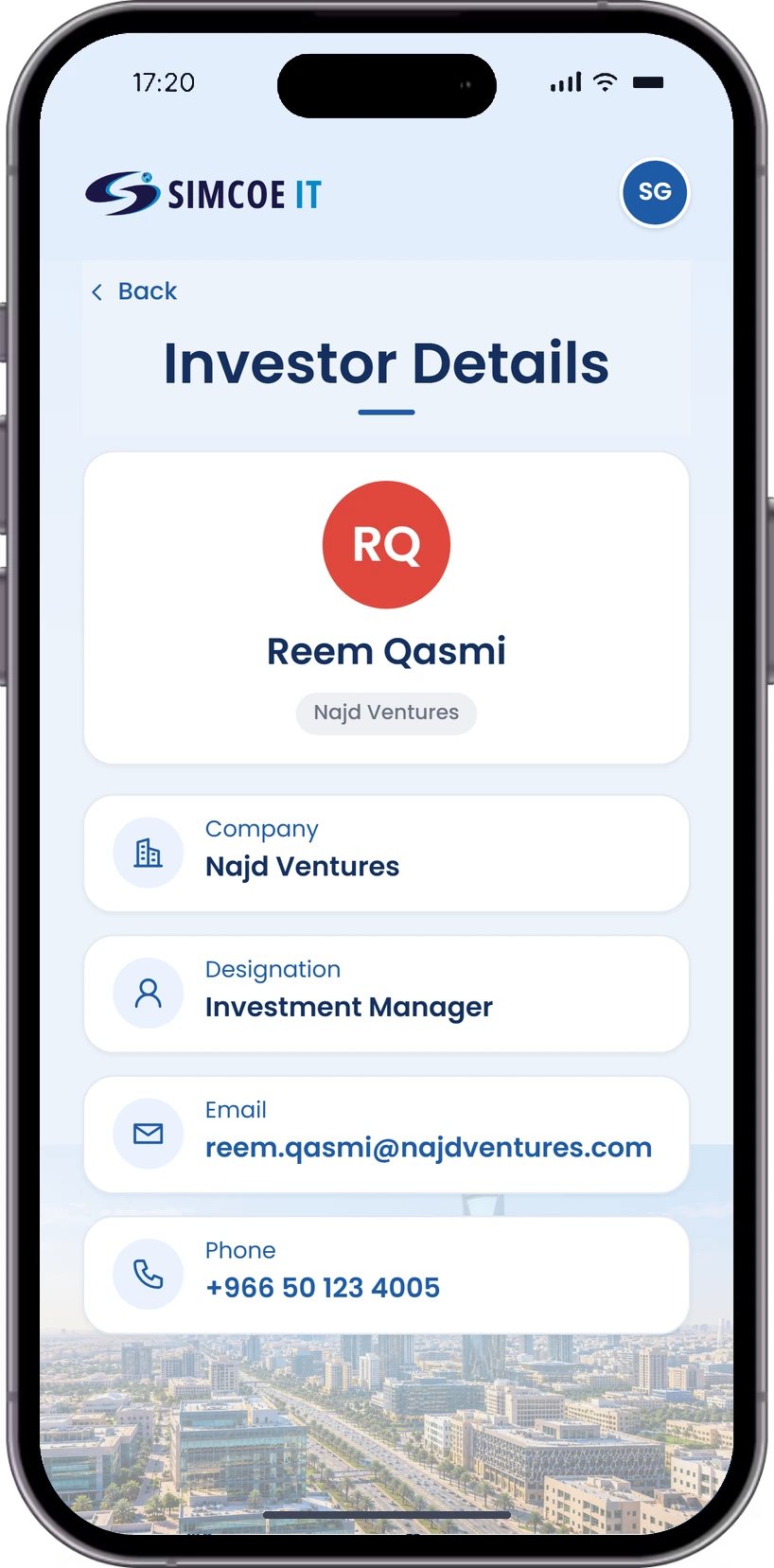
See who has booked each slot and open any investor’s details before the meeting.
- Investors per slotName, firm and role for every booking
- Investor interestsWhat each investor is looking for
- Contact detailsCompany, designation, email and phone
All Investors
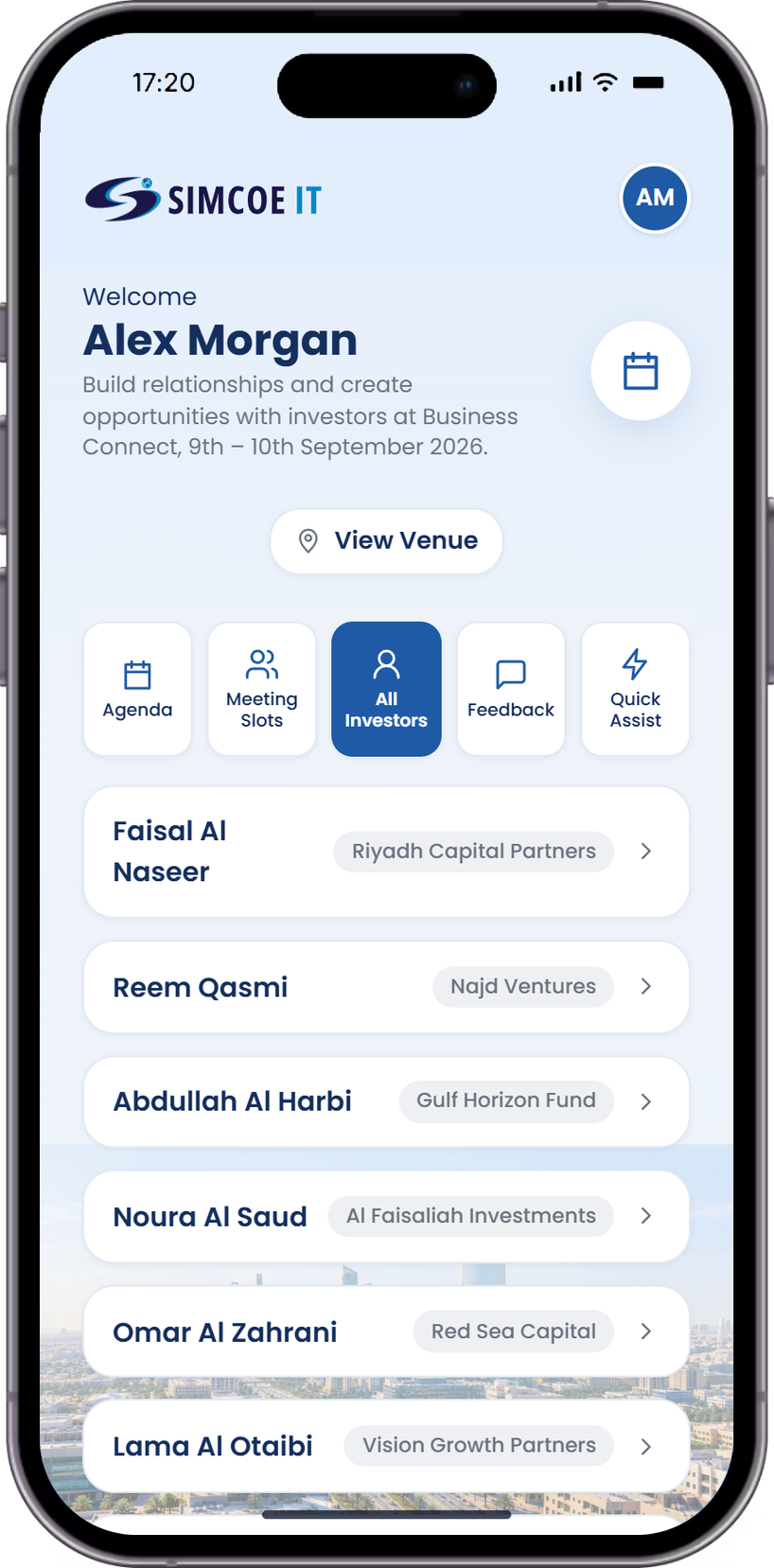
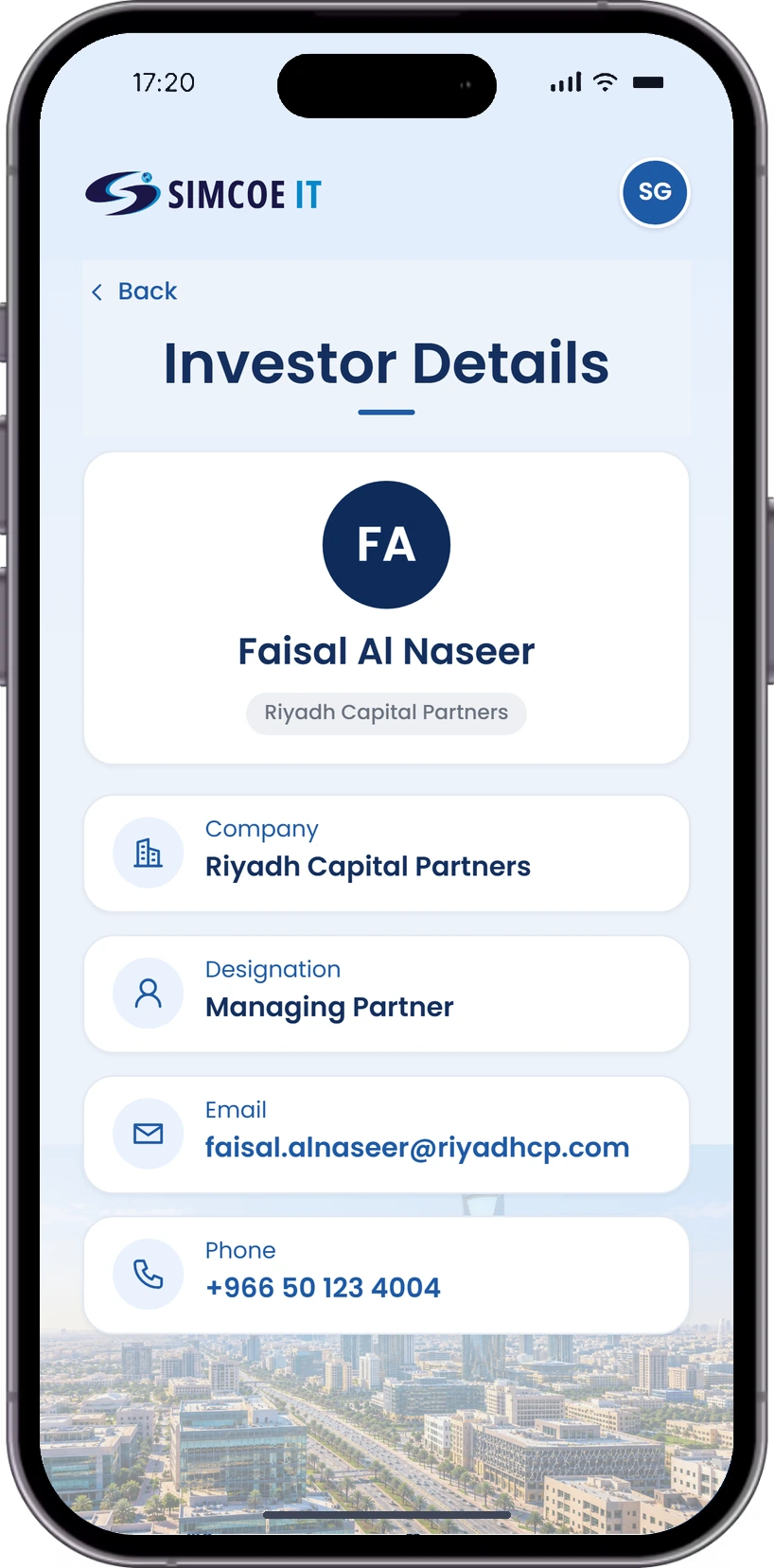
One screen for the company to explore and connect with investors.
- Browse investorsEvery registered investor
- Investor profilesRole, firm and contact details
- Readiness scoresTrack pitch and communication scores
- Pitch tipsQuick tips to improve pitching
Feedback
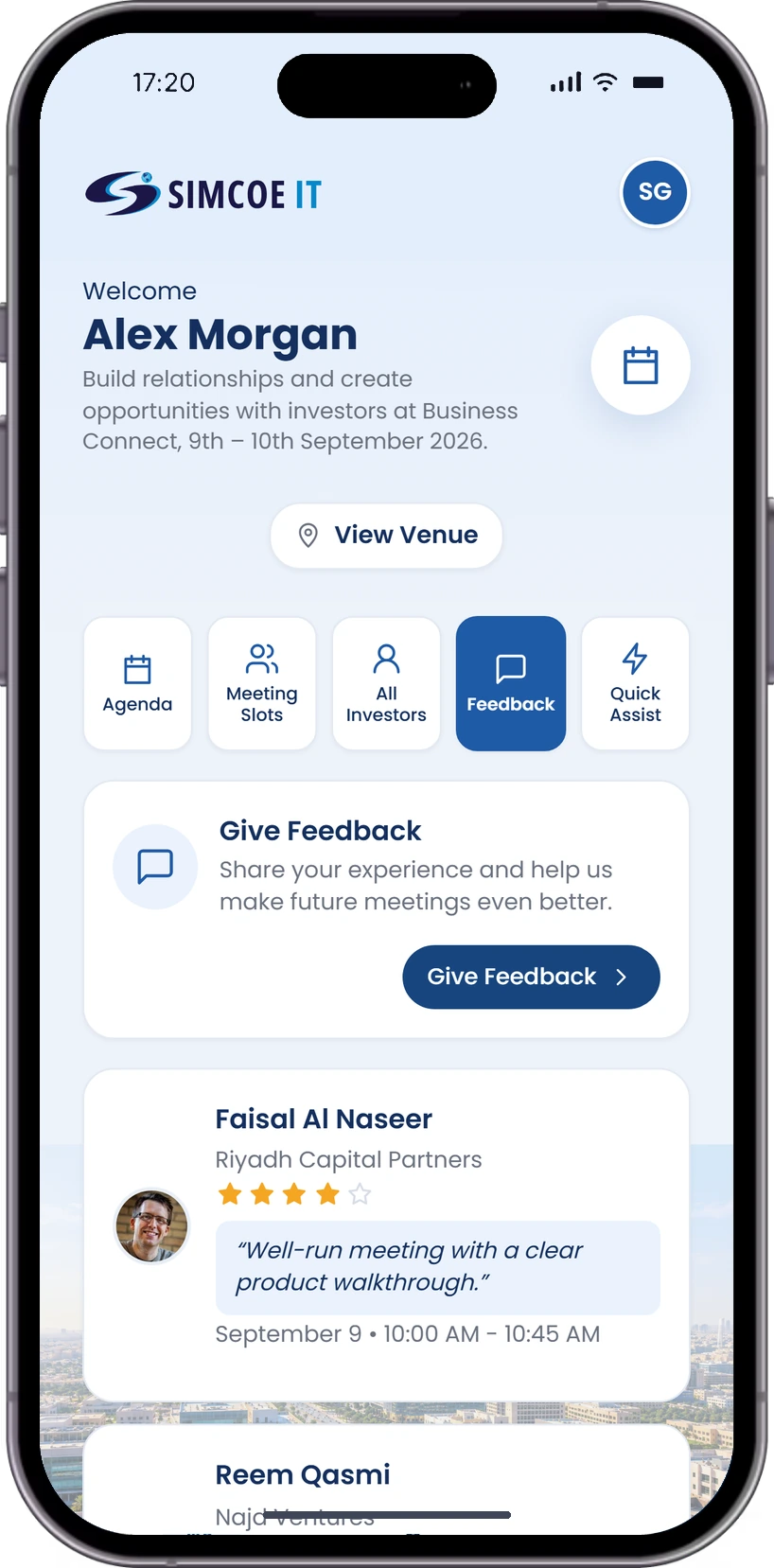
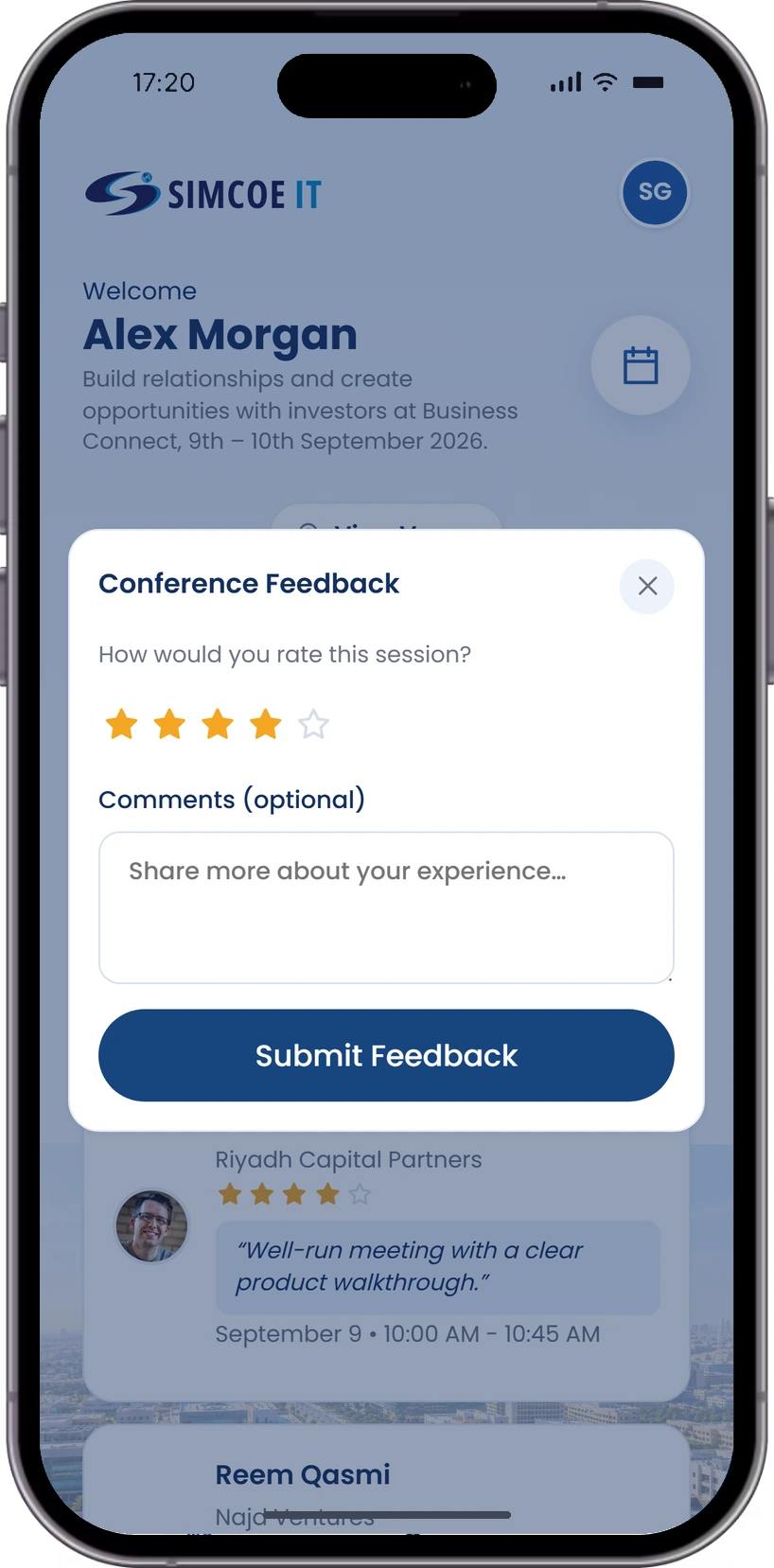
Companies rate the conference and read what investors said about their meetings.
- Give feedbackRate the event in a few taps
- Investor reviewsRatings and comments from each meeting
- Meeting detailsWhen and with whom each review was left
Quick Assist
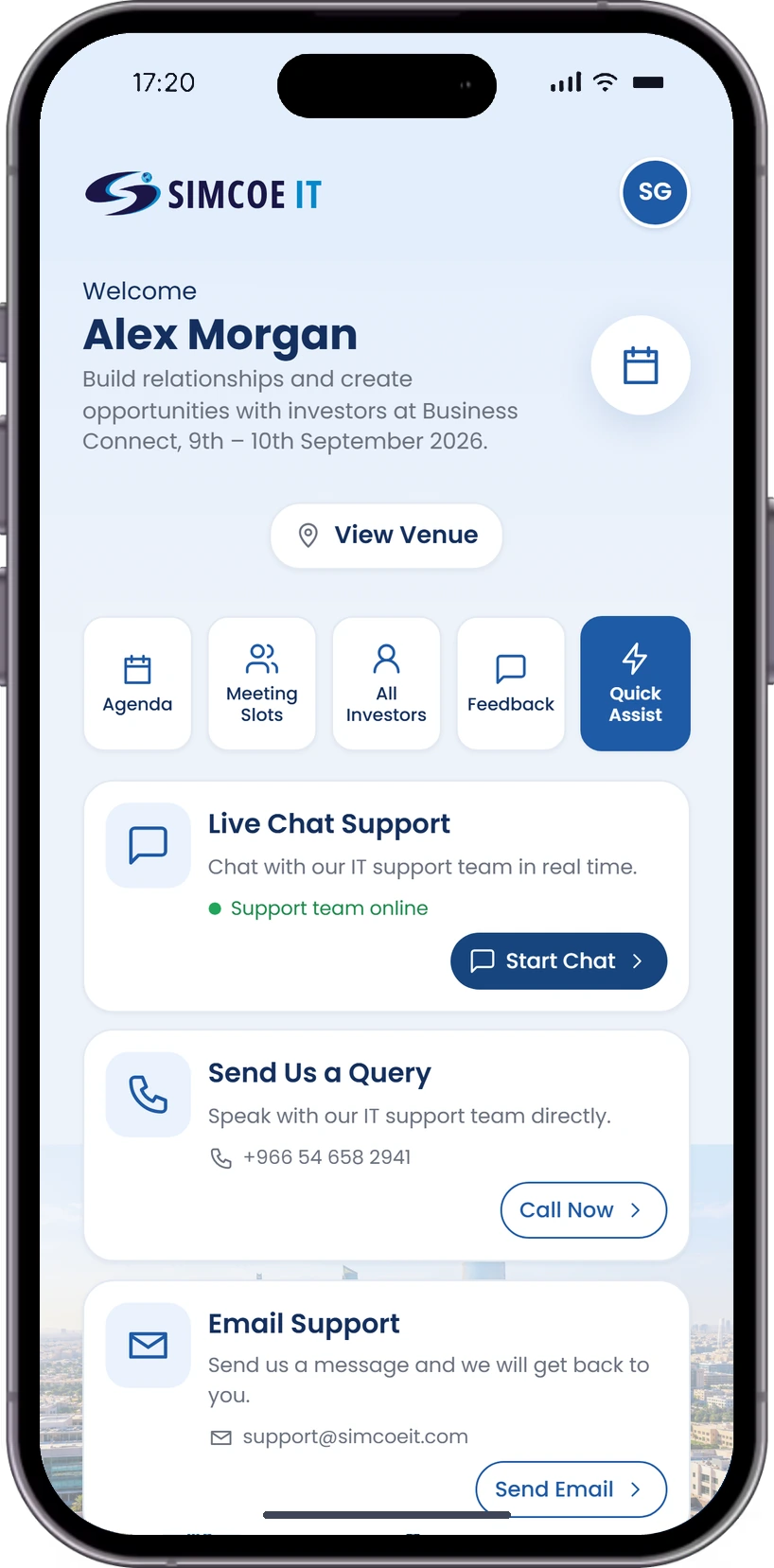
Support for companies during the event: live chat, a direct line and email.
- Live chat supportTalk to the team in real time
- Call or send a queryReach support directly
- Email supportGet a reply by email
Everything an investor event needs
Meeting scheduling
Slots with time, room and capacity limits, so every meeting is booked within what a room can hold.
Company profiles
Each company gets its own slots, investor list and registration counts.
Investor directory
Investors with company, role and contact details, plus meeting access controls.
Event agenda
A multi-session agenda across both event days, visible to investors and companies.
Quick support
A support queue and FAQ library to help attendees and companies in real time.
Venue and floor plan
Rooms, capacity and a floor plan so every attendee finds their way.
Hosting an investor event
or a business-connect day?
Tell us how your event runs and we will build the booking, scheduling and reporting around it.
Let's Talk